Bulk generator
Issue thousands of certificates in one click
Upload a recipient list, map your dynamic fields, and CertSeal personalizes, generates, and delivers every credential — no spreadsheets, no manual emails, no errors.
By the numbers
- Largest single batch
- 500K+
- Credentials issued / month
- 4M+
- Median batch start time
- < 30s
- Delivery success rate
- 99.8%
Capabilities
Built for the messy reality of real recipient data
Long names. Missing fields. Encoding glitches from that one spreadsheet your colleague exported in 2017. We've seen it — and built around it.
CSV & spreadsheet imports
Drop in a CSV, XLSX, or paste from Google Sheets. CertSeal auto-maps columns to dynamic fields, validates email addresses, and flags duplicates before a single credential is issued.
Sync from your stack
Native integrations with HubSpot, Salesforce, Thinkific, Teachable, LearnWorlds, and Zapier mean your CRM or LMS can trigger an issuance the moment a learner completes.
API-first issuance
A single POST request issues, personalizes, and delivers a credential. Webhook callbacks confirm delivery, opens, and shares so your systems stay in sync.
Personalize every field
Recipient name, course title, score, duration, expiration, location — any column in your data can become a placeholder in the design, with live preview before you send.
Built for scale
Routinely processes batches of 100,000+ in under an hour. Background workers retry failures automatically and queue around your bulk-sending limits.
Errors, fixed not hidden
Get a clear, downloadable report of every row that failed validation — bad emails, missing fields, encoding issues — so you can fix and re-run without restarting the whole batch.
The bulk flow
Four steps from spreadsheet to inbox
- 01
Upload
CSV, XLSX, Google Sheet, or API call. CertSeal auto-detects encoding, validates emails, and previews the first 10 rows so you can confirm field mapping.
- 02
Map fields
Drag spreadsheet columns onto the certificate placeholders. Reuse mappings for recurring batches — your fifth bootcamp cohort takes thirty seconds, not thirty minutes.
- 03
Preview
See every recipient's certificate before sending. Spot the long Spanish name overflowing the line, fix the spacing, and re-render the whole batch in seconds.
- 04
Send & track
Schedule, throttle, or send immediately. Real-time dashboard shows delivered, opened, shared, and bounced — with retry queues for the ones that didn't land.
Templates
Any template, issued at any scale
Pick a design once, then mass-issue thousands of personalized credentials from a single CSV — every recipient gets a pixel-perfect copy.
-

Blue Modern Certificate of Completion
-
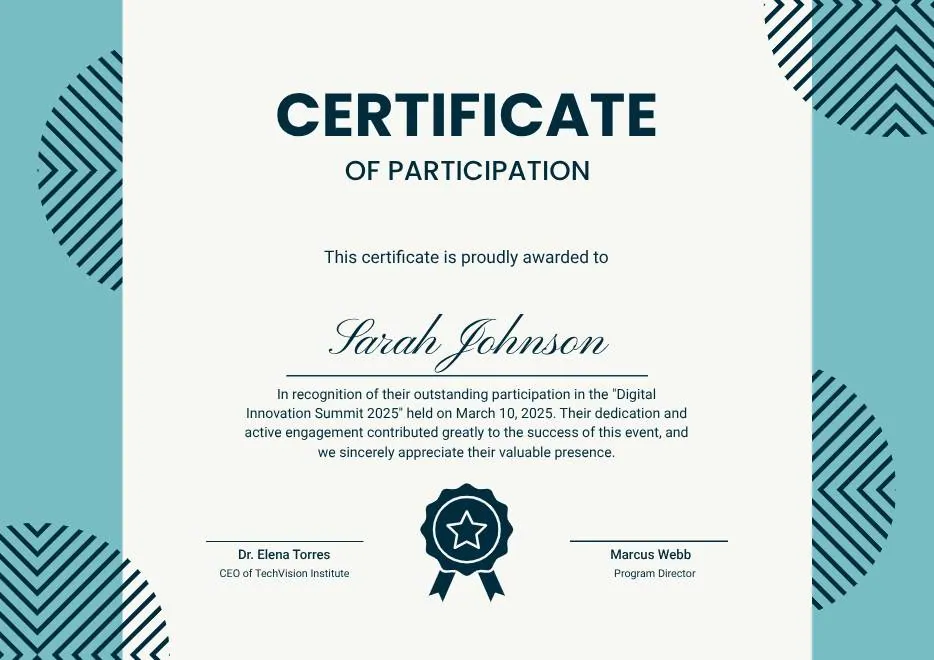
Teal Geometric Participation Certificate
-

Green Gold and White Modern Excellence Certificate
-
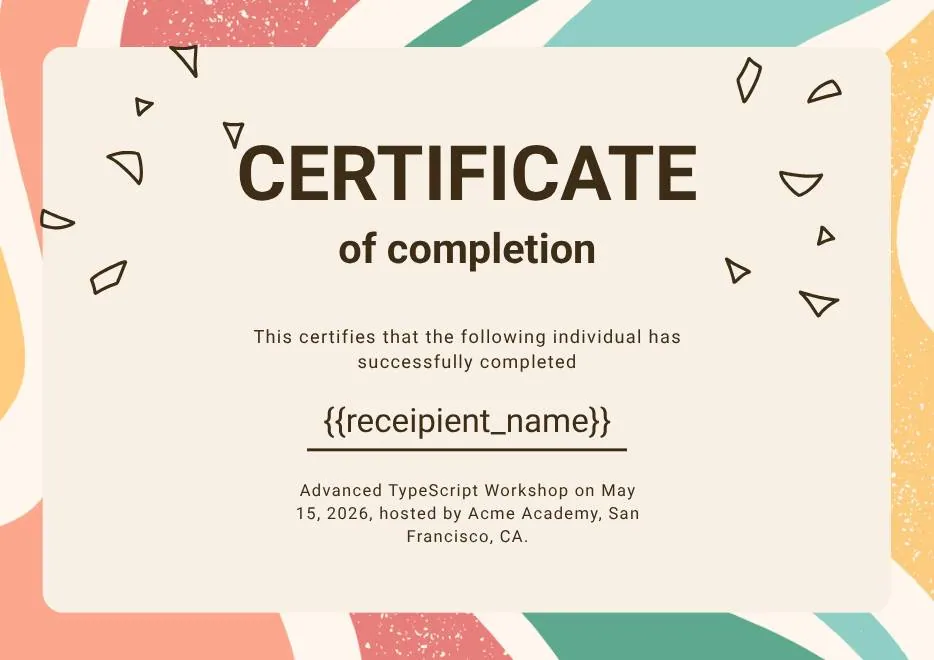
Certificate of Completion in Colorful Abstract Modern Style
-

Ivory Victorian Vintage Certificate of Excellence
-
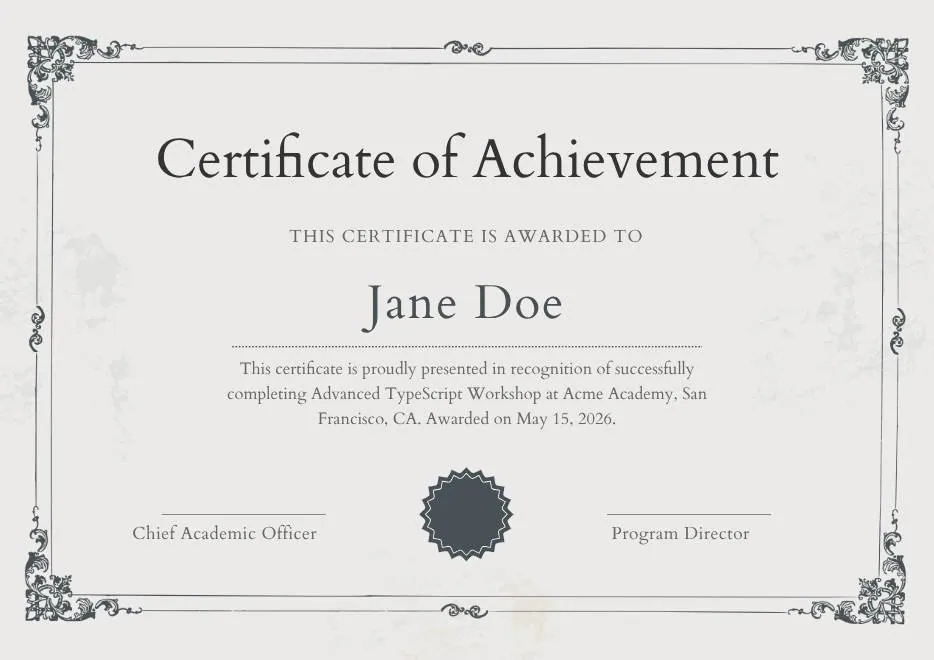
Modern Vintage Certificate of Achievement
-
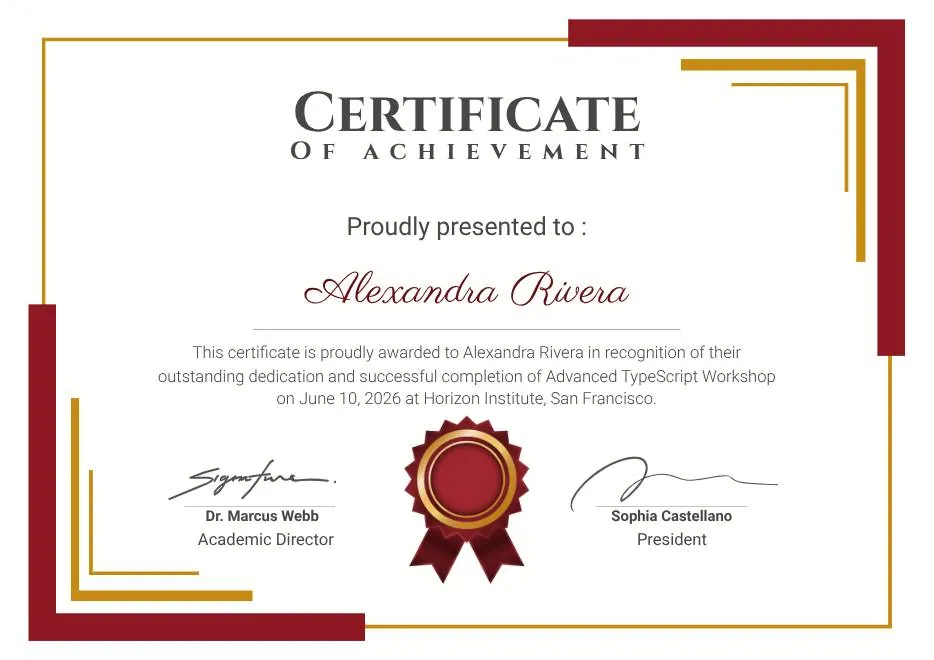
Red and Gold Achievement Certificate
-
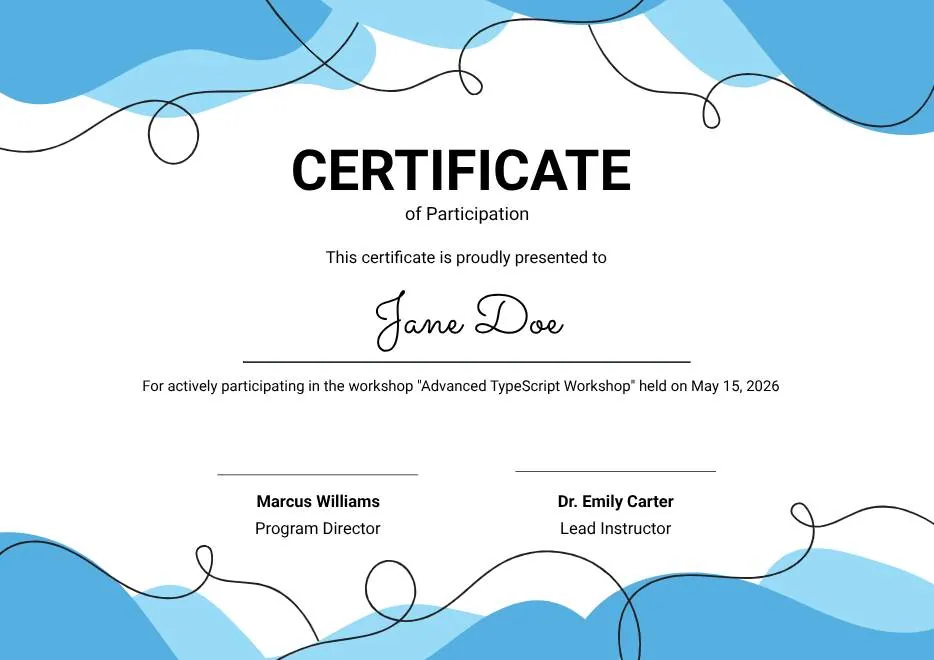
Blue Abstract Waves Participation Certificate
-
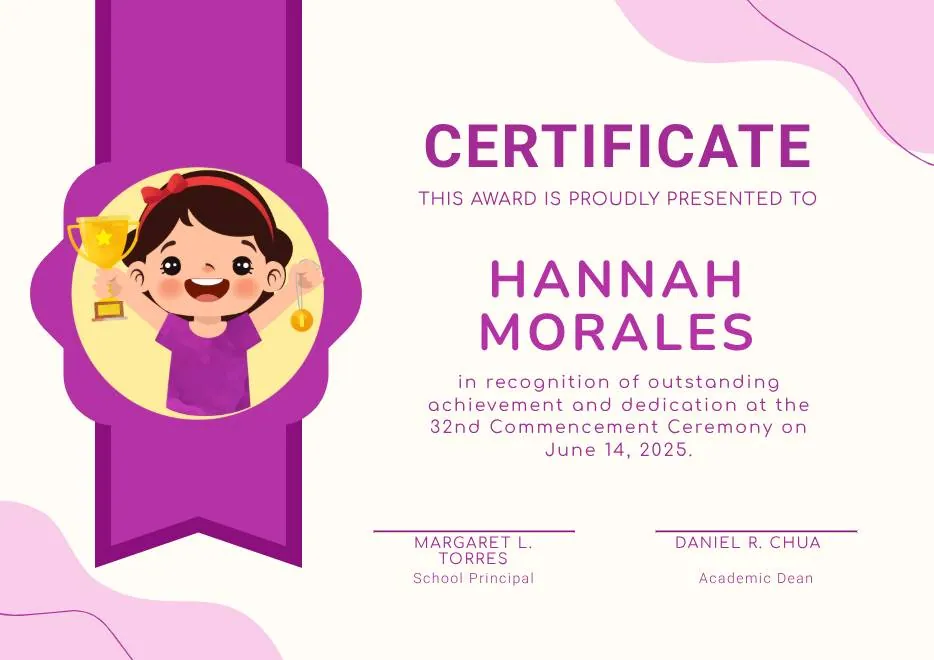
Purple Playfun Kids Award Certificate
-
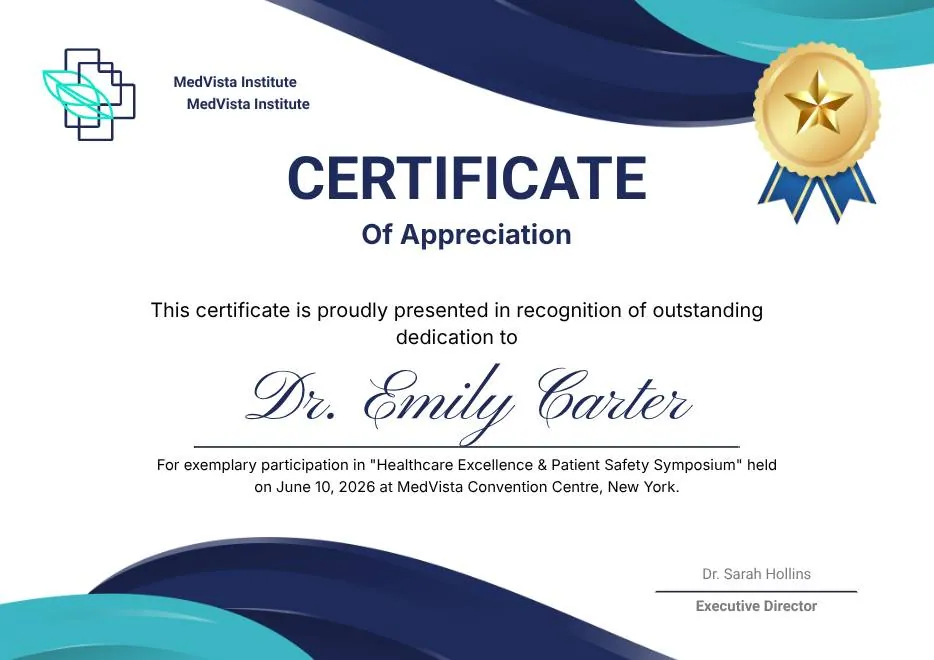
Blue Navy and Tosca Elegant Modern Medical Appreciation Certificate
-
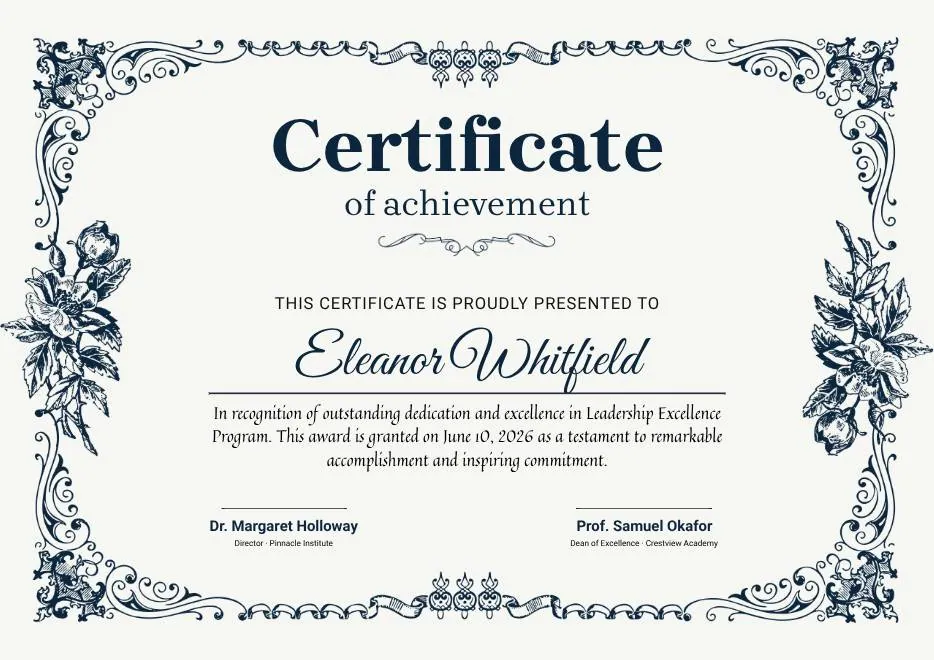
Modern Vintage Certificate of Achievement
-
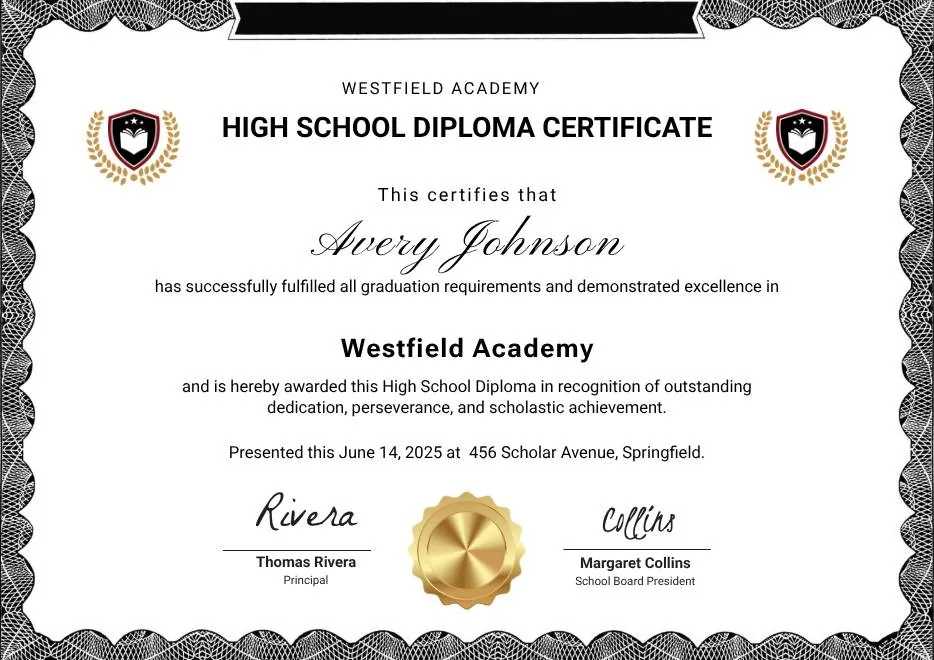
Black and White Modern High School Diploma Certificate
-
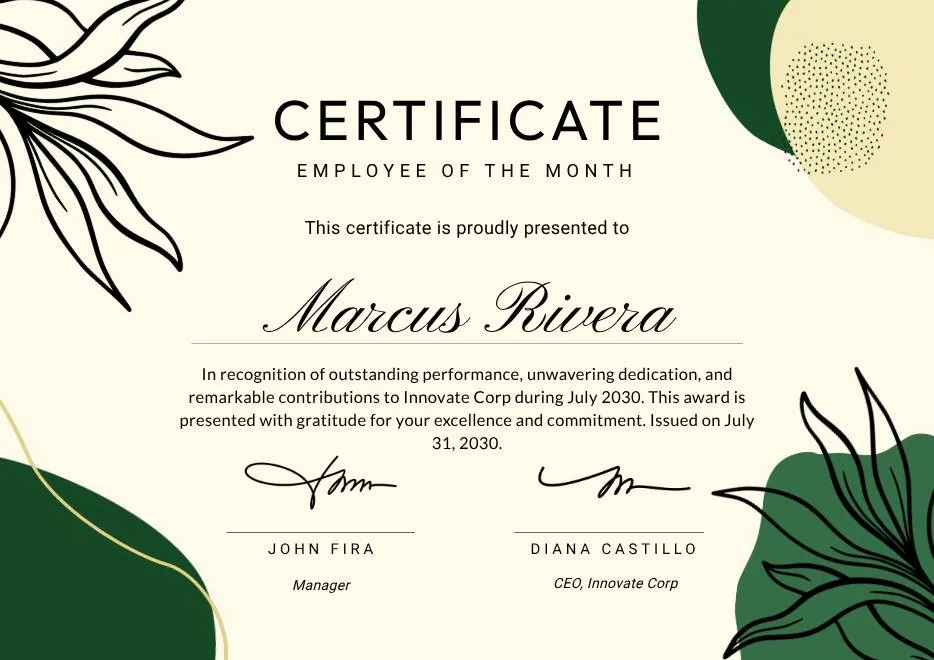
Green and Beige Botanical Employee of the Month Certificate
-
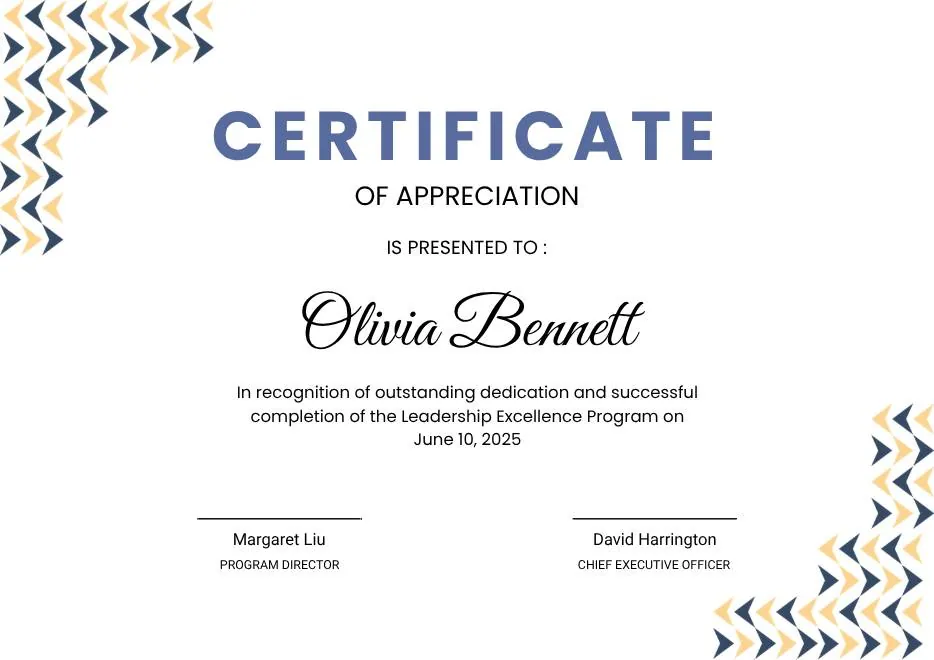
Blue Modern Certificate of Appreciation
-
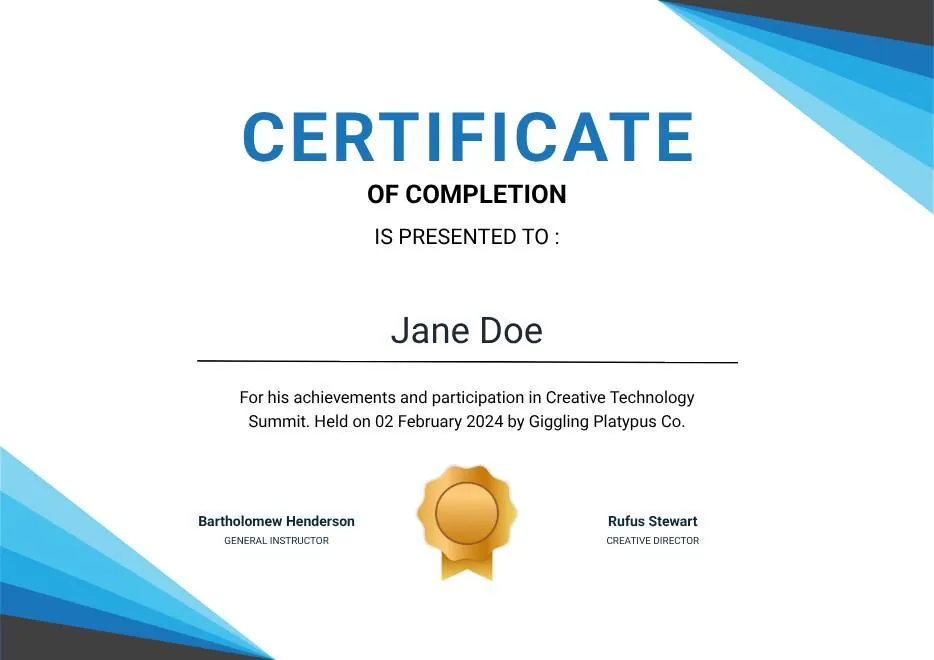
Blue Modern Event Completion Certificate
-
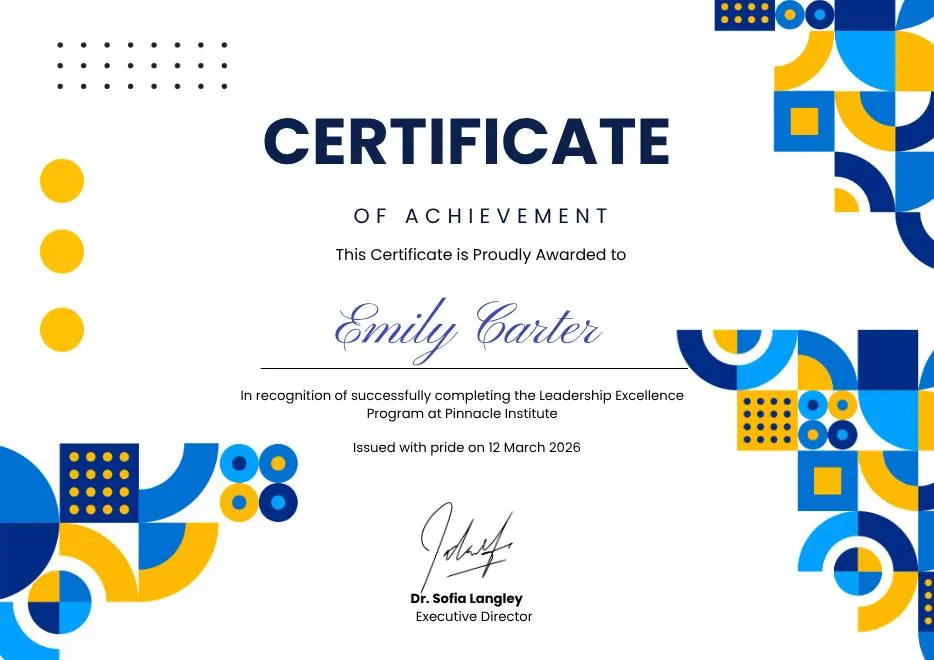
Blue and Yellow Geometric Achievement Certificate
-
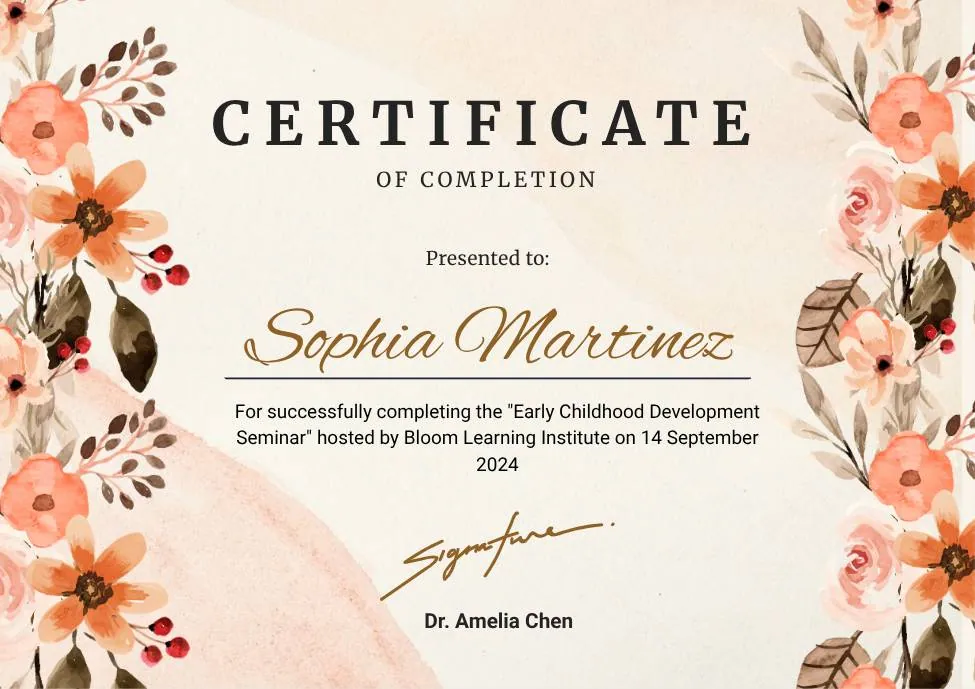
Beige Watercolor Floral Certificate of Completion
-
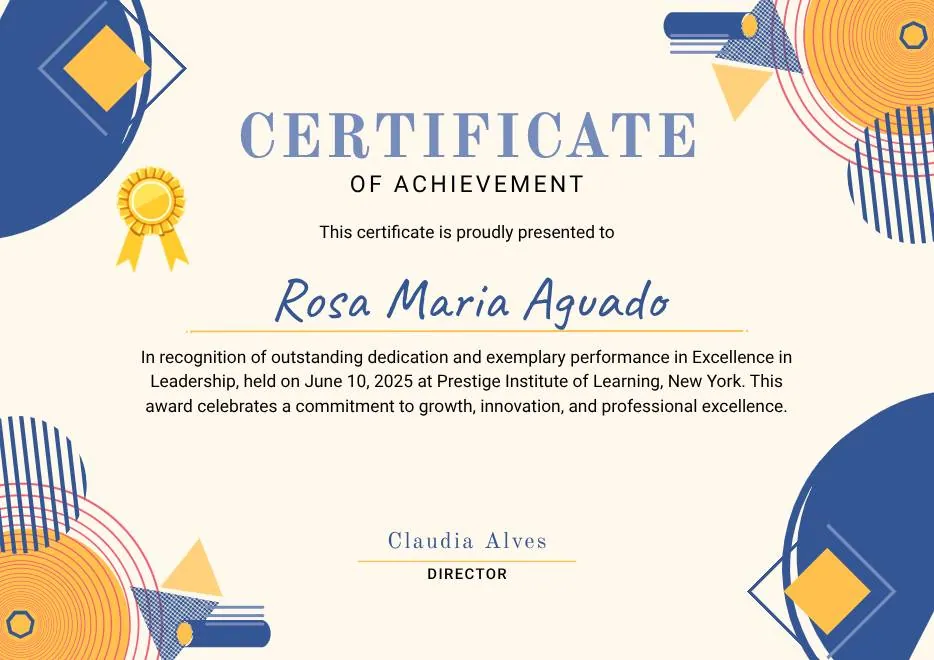
Blue Orange Modern Memphis Certificate of Achievement
-

Nexus Institute Bold Geometric Certificate of Achievement
-
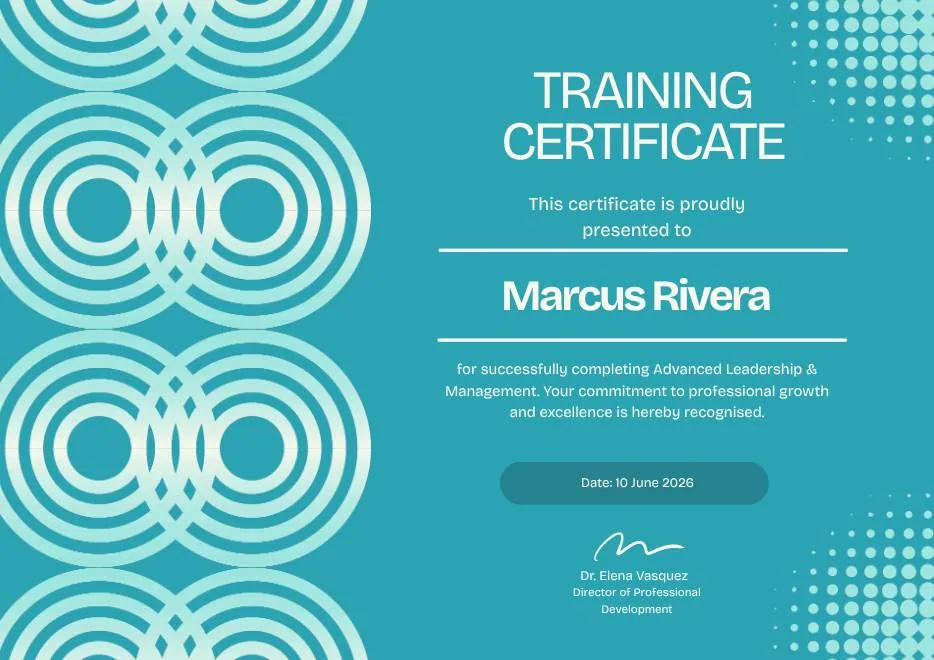
Blue Tosca Geometric Training Certificate
-
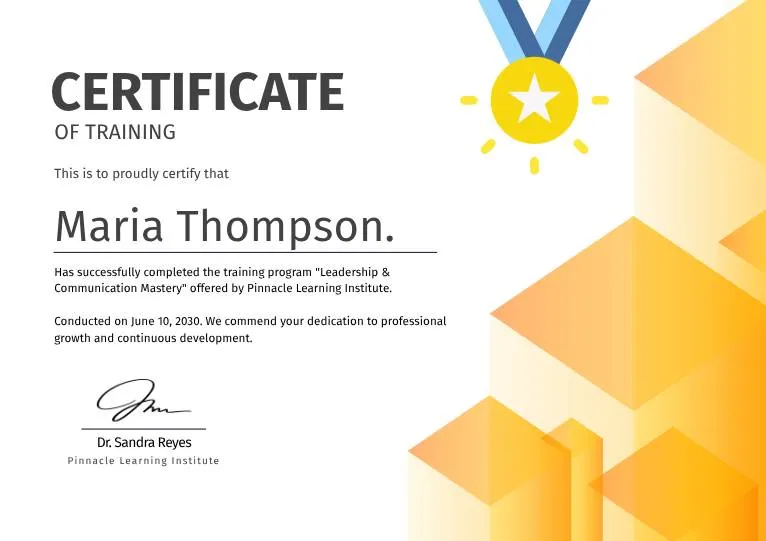
White and Yellow Modern Leadership Training Certificate
-
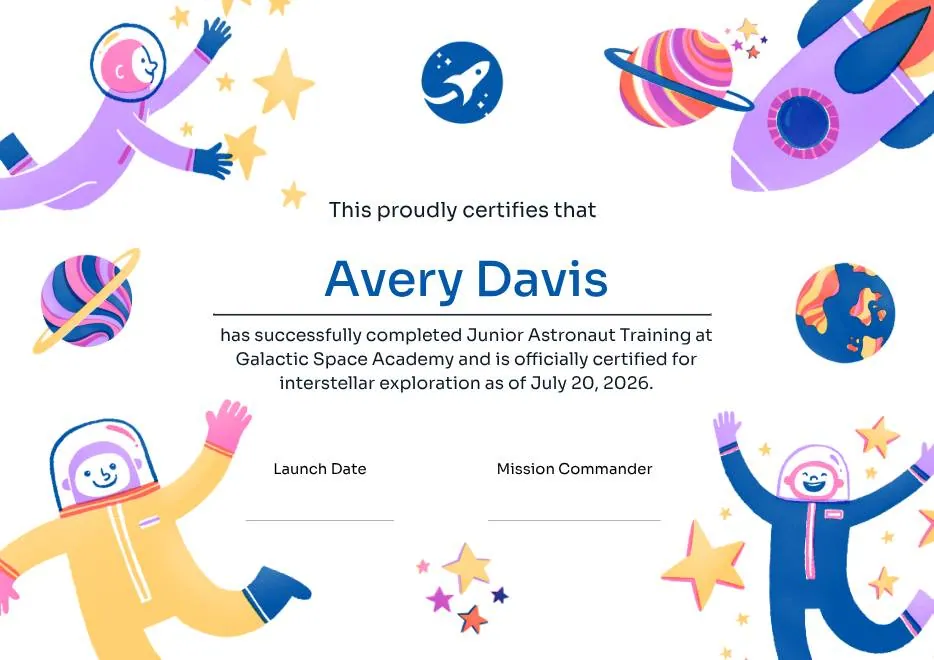
Junior Astronaut Training Certificate in Colorful Playful Style
-
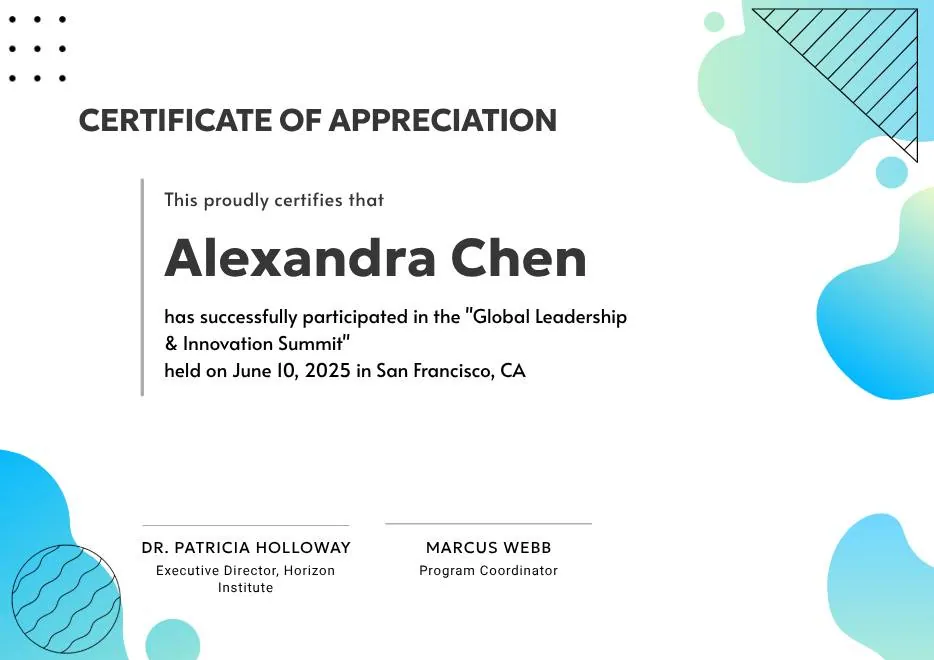
Certificate of Appreciation — Summit & Event Participation
-
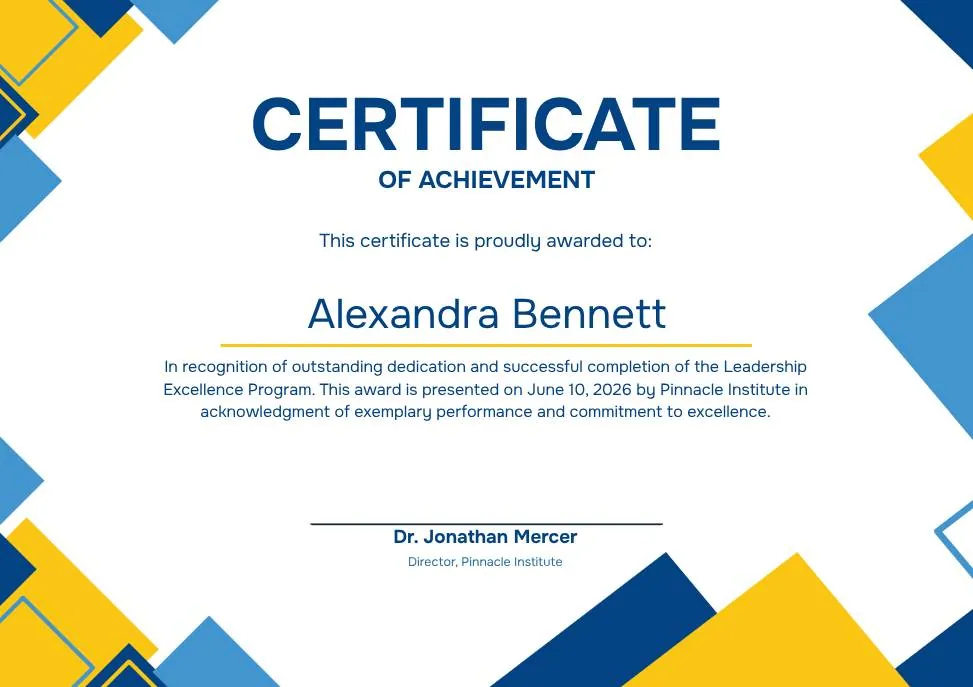
Blue Yellow Modern Geometric Certificate of Achievement
-
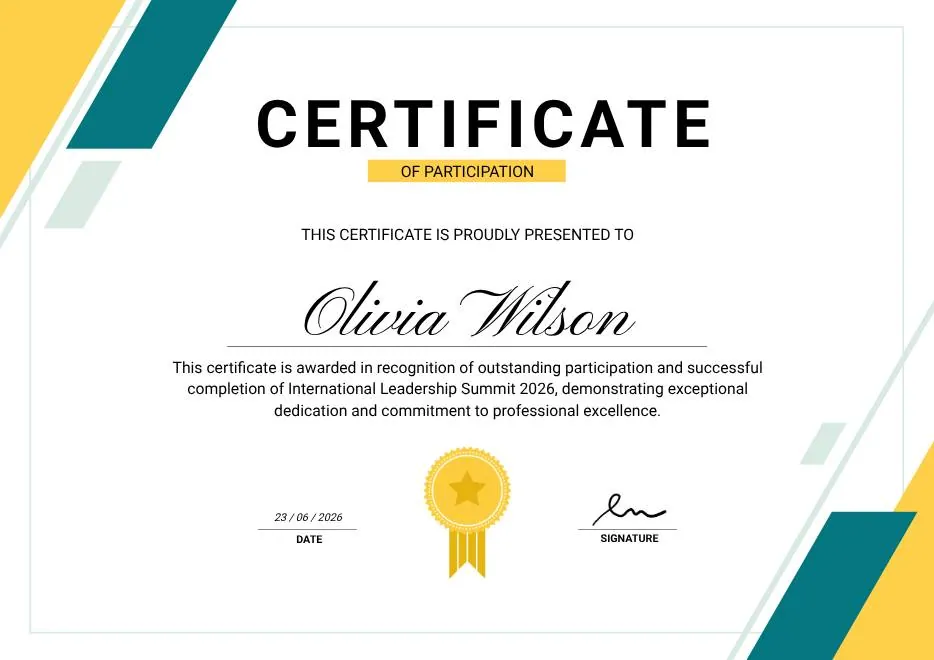
Green & Yellow Minimalist Certificate of Participation
-
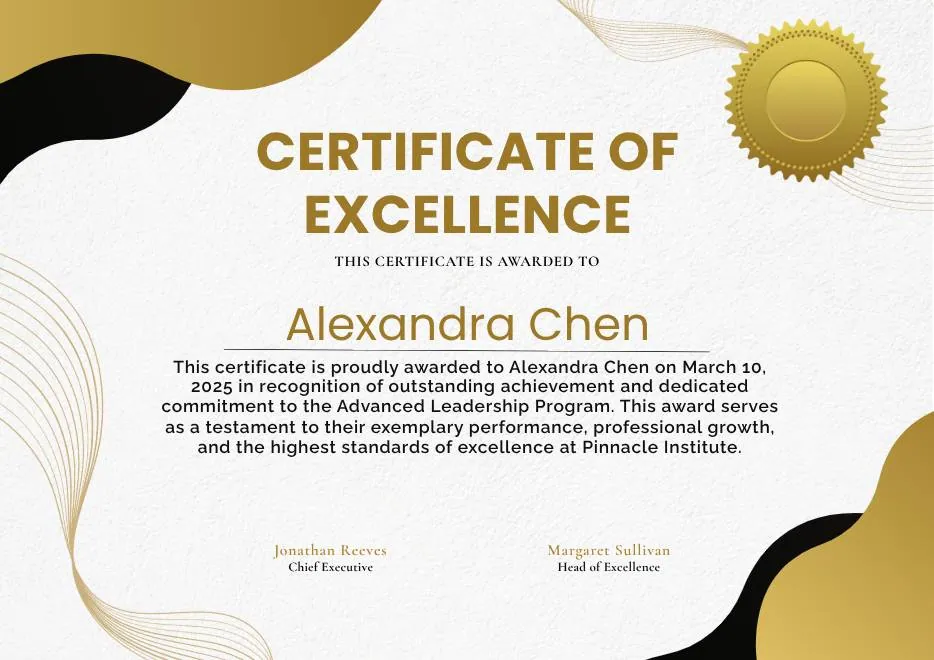
White and Gold Modern Awards Certificate
-

Gray Teal Simple Internship Certificate
-
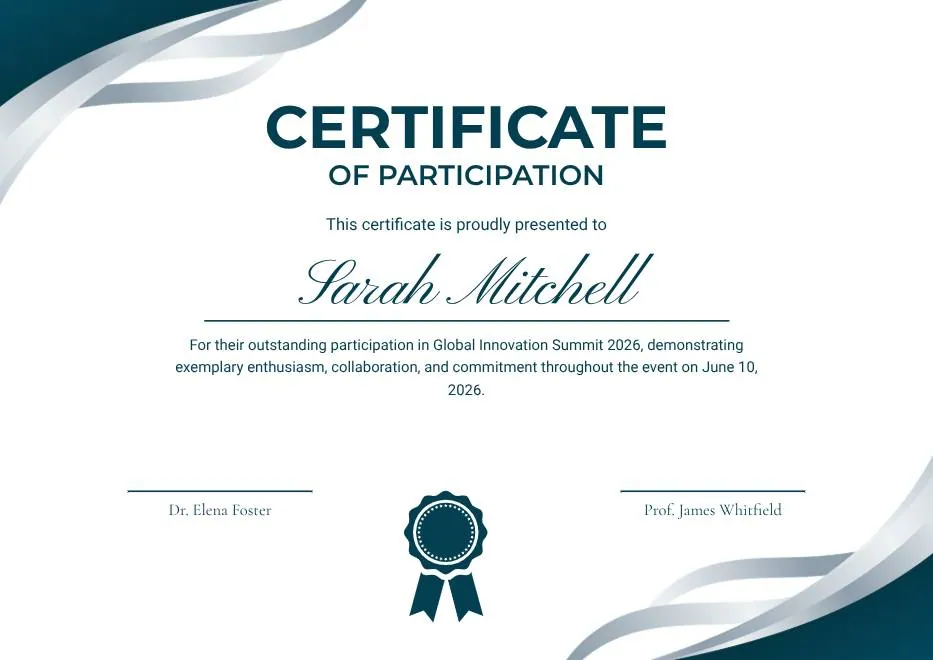
Teal and White Modern Participation Certificate
-
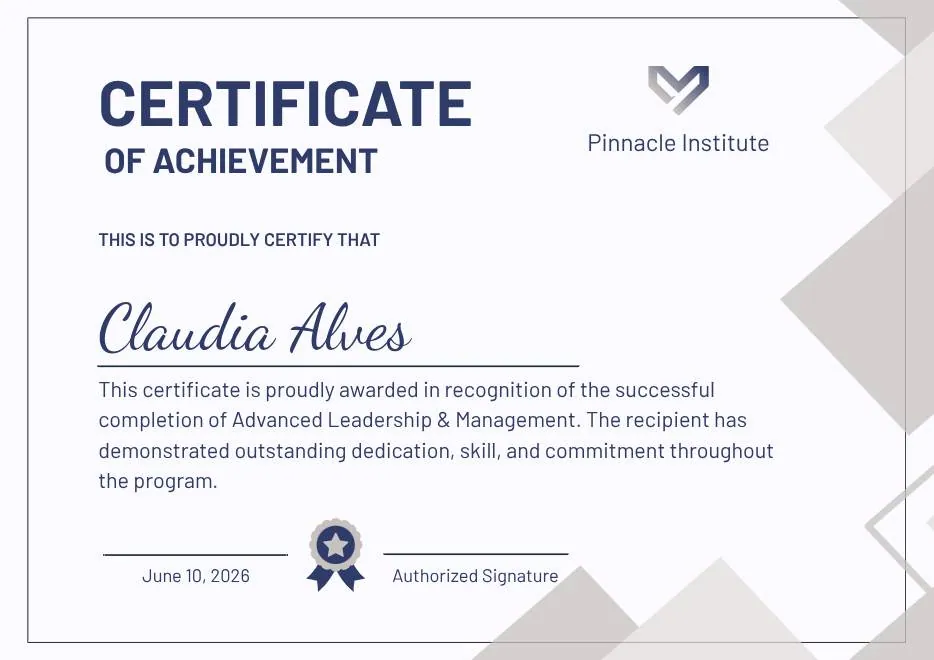
Gray and Blue Modern Achievement Certificate
-
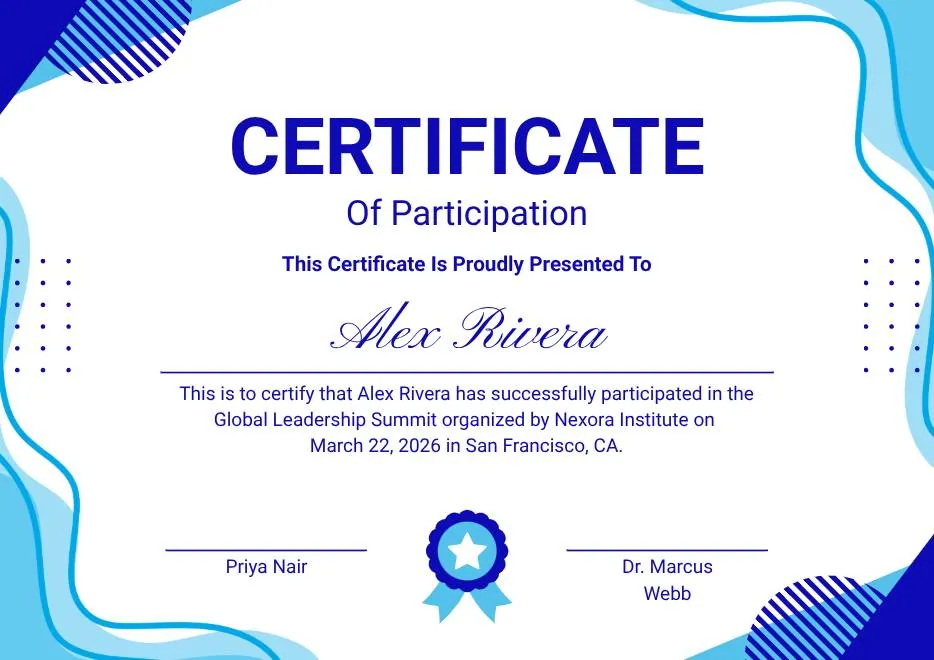
Blue and White Modern Participation Certificate
-
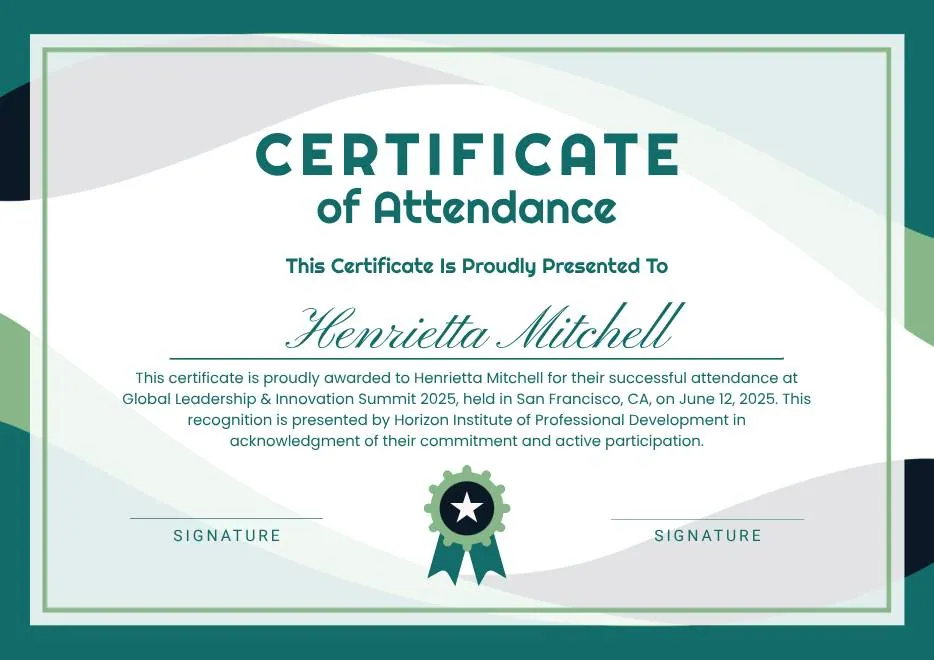
White and Green Minimalist Certificate of Attendance
-
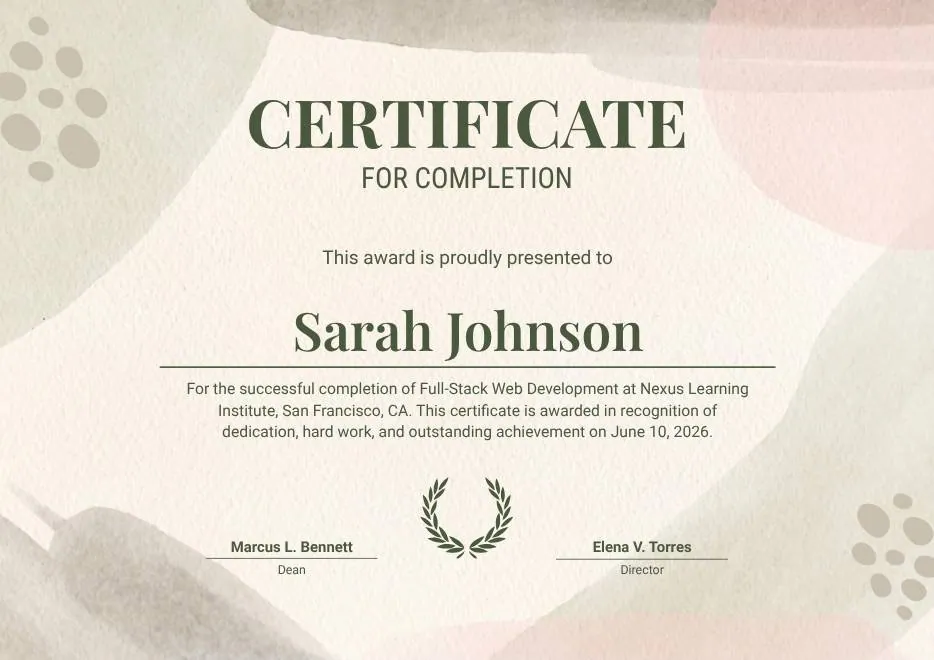
Beige Organic Completion Certificate
-
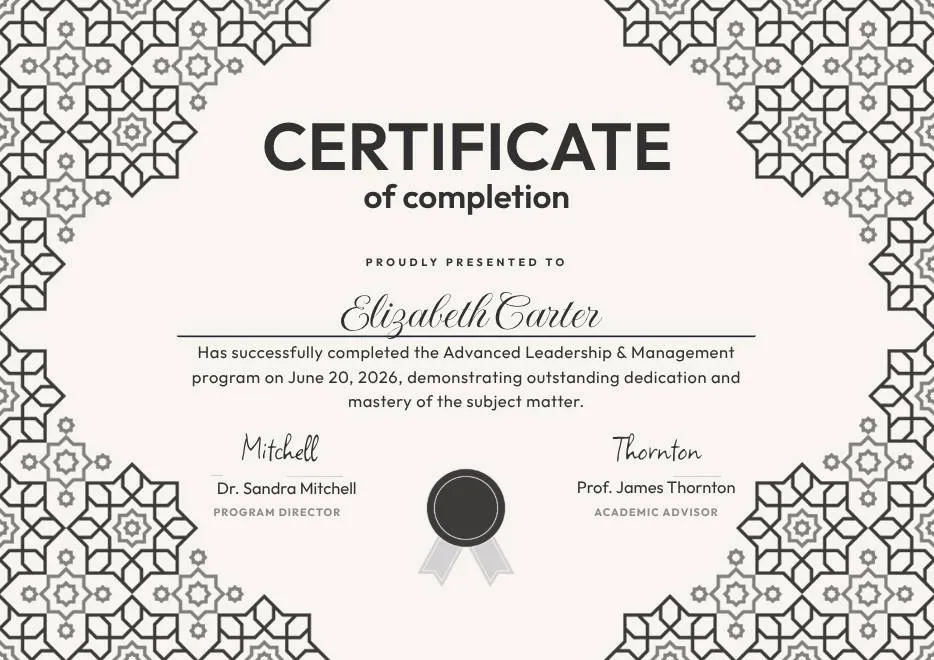
Black and White Geometric Completion Certificate
-
Blue Modern Certificate of Completion
-
Teal Geometric Participation Certificate
-
Green Gold and White Modern Excellence Certificate
-
Certificate of Completion in Colorful Abstract Modern Style
-
Ivory Victorian Vintage Certificate of Excellence
-
Modern Vintage Certificate of Achievement
-
Red and Gold Achievement Certificate
-
Blue Abstract Waves Participation Certificate
-
Purple Playfun Kids Award Certificate
-
Blue Navy and Tosca Elegant Modern Medical Appreciation Certificate
-
Modern Vintage Certificate of Achievement
-
Black and White Modern High School Diploma Certificate
-
Green and Beige Botanical Employee of the Month Certificate
-
Blue Modern Certificate of Appreciation
-
Blue Modern Event Completion Certificate
-
Blue and Yellow Geometric Achievement Certificate
-
Beige Watercolor Floral Certificate of Completion
-
Blue Orange Modern Memphis Certificate of Achievement
-
Nexus Institute Bold Geometric Certificate of Achievement
-
Blue Tosca Geometric Training Certificate
-
White and Yellow Modern Leadership Training Certificate
-
Junior Astronaut Training Certificate in Colorful Playful Style
-
Certificate of Appreciation — Summit & Event Participation
-
Blue Yellow Modern Geometric Certificate of Achievement
-
Green & Yellow Minimalist Certificate of Participation
-
White and Gold Modern Awards Certificate
-
Gray Teal Simple Internship Certificate
-
Teal and White Modern Participation Certificate
-
Gray and Blue Modern Achievement Certificate
-
Blue and White Modern Participation Certificate
-
White and Green Minimalist Certificate of Attendance
-
Beige Organic Completion Certificate
-
Black and White Geometric Completion Certificate
-
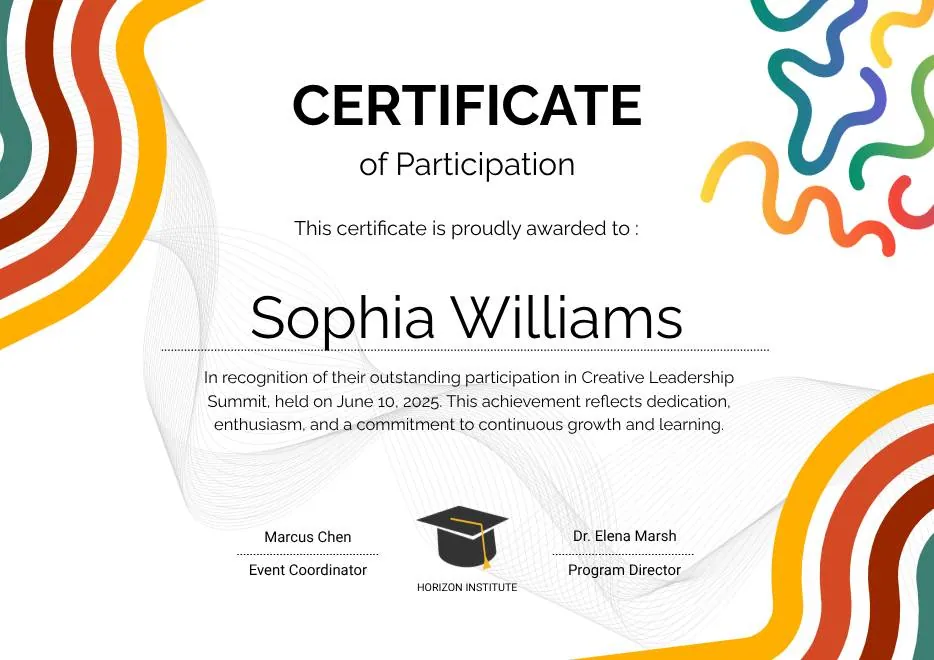
Colorful Abstract Waves Modern Participation Certificate
-
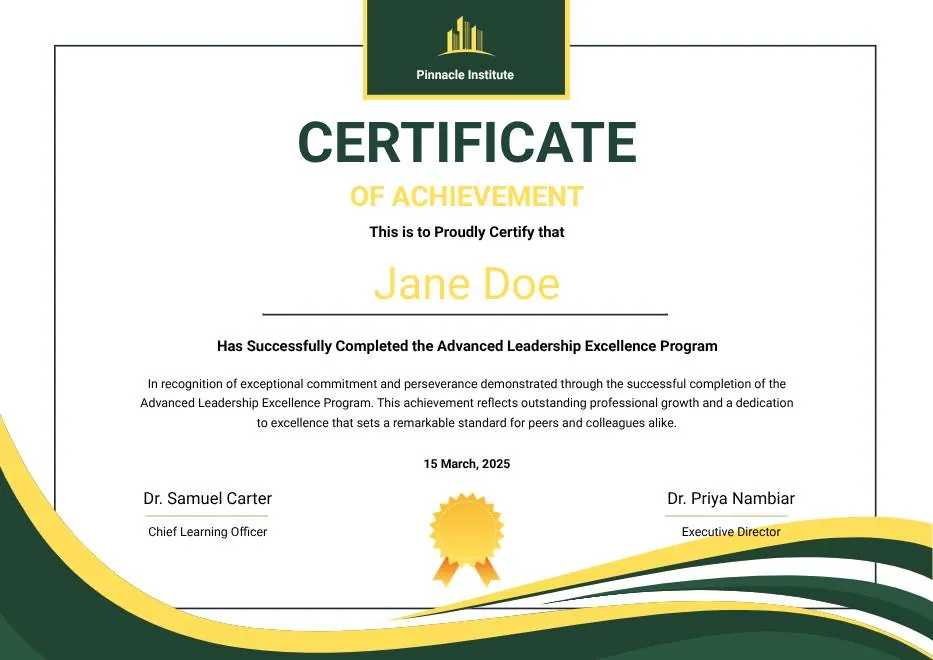
Green and Gold Modern Leadership Achievement Certificate
-

Teal Watercolor Elegant Certificate of Excellence
-
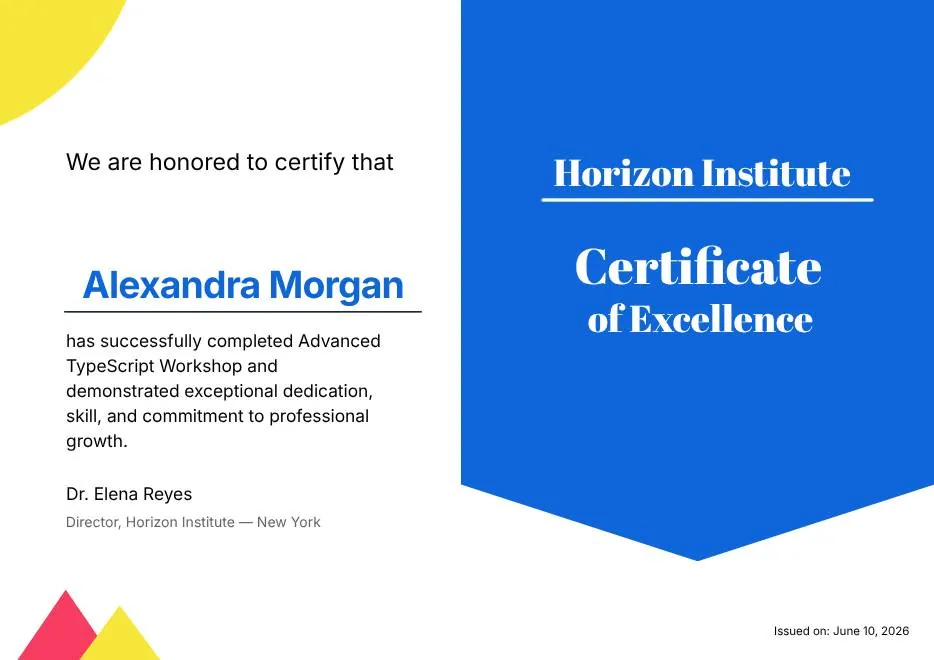
Blue and Yellow Modern Certificate of Excellence
-

Classic Floral Border Certificate of Achievement
-
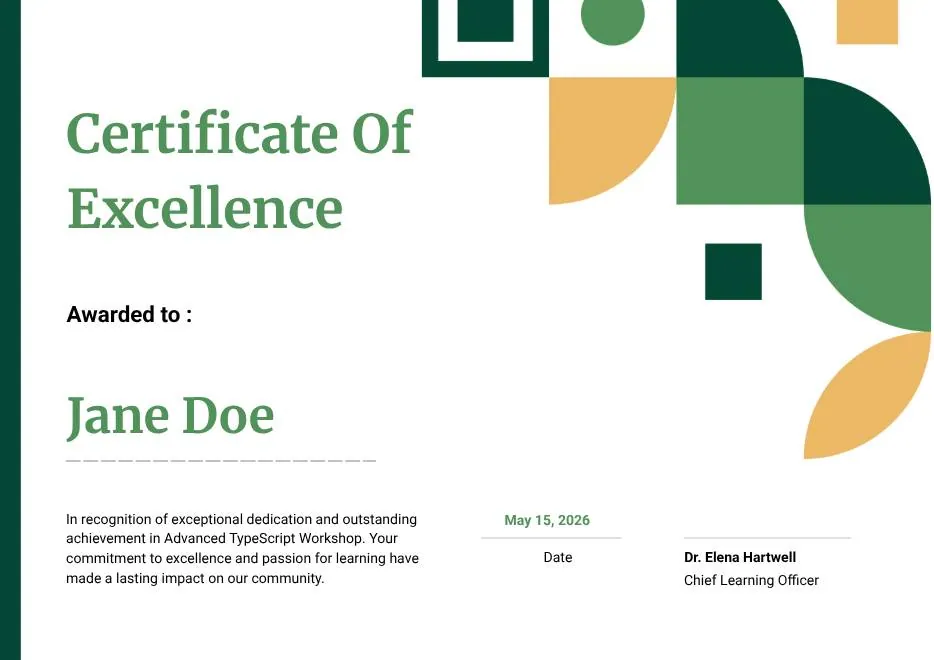
Modern White and Green Certificate of Excellence
-

Beige Classic Certificate of Achievement
-
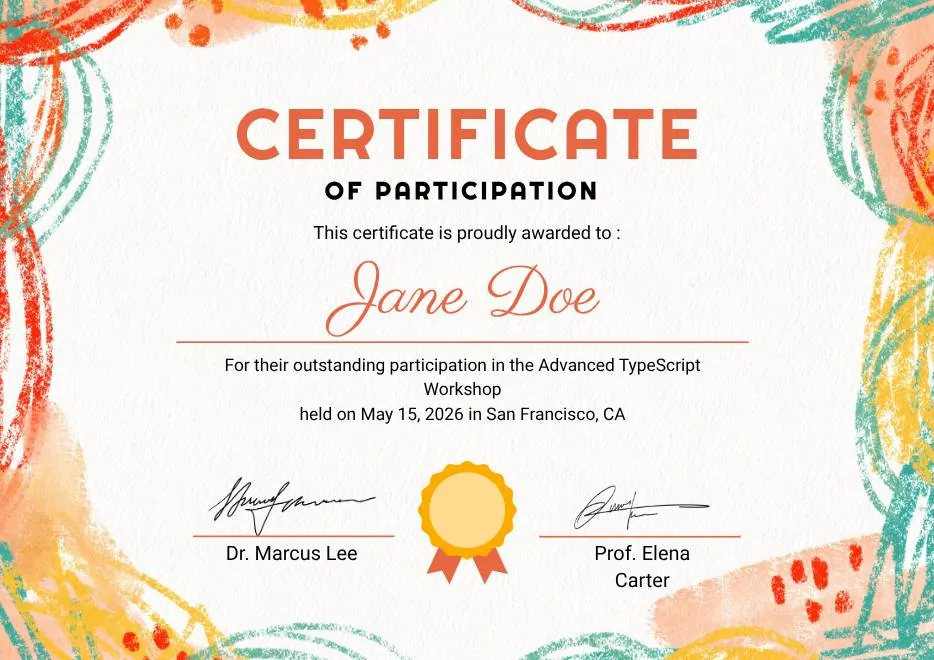
Colorful Brushstroke Art Certificate of Participation
-
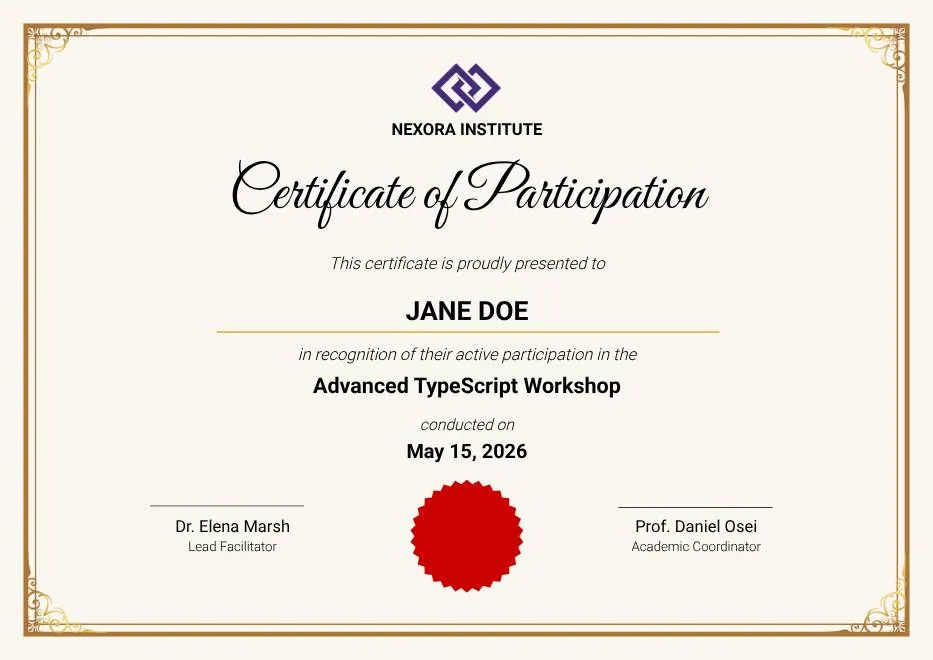
Gold Elegant Workshop Participation Certificate
-
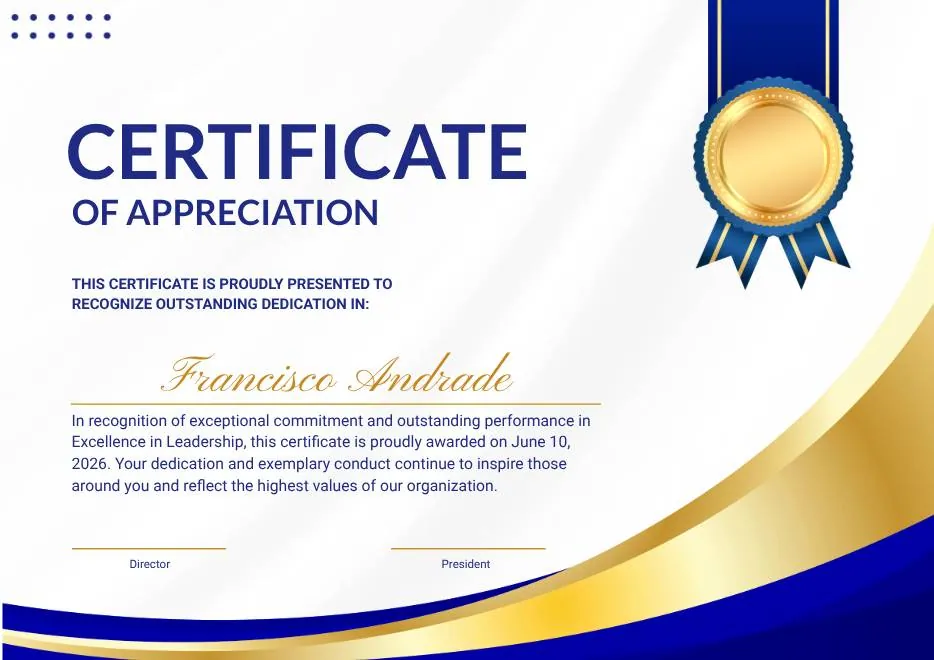
Blue and Gold Modern Certificate of Appreciation
-
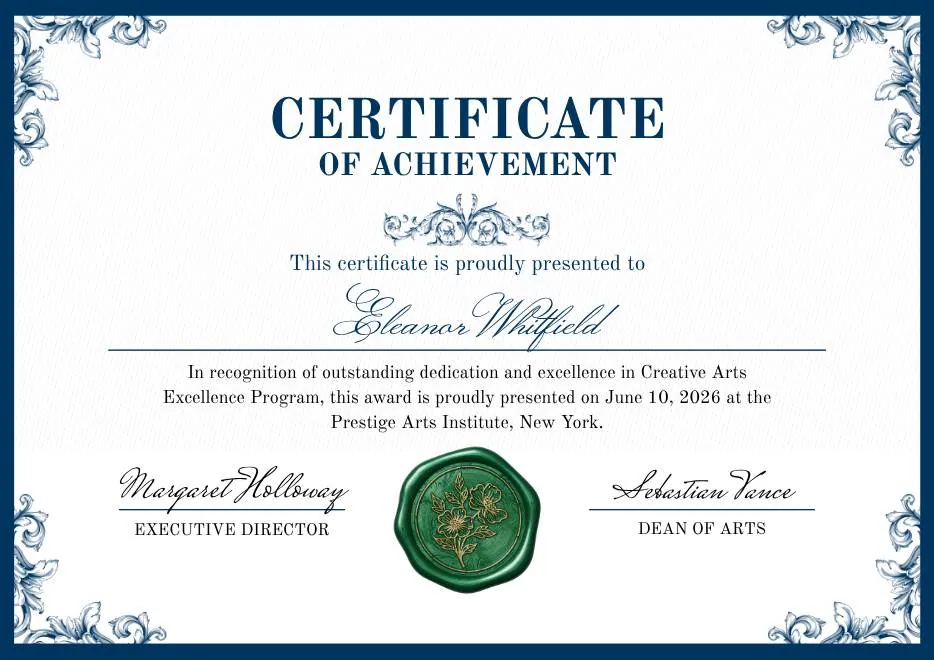
Blue and Green Traditional Certificate of Achievement
-
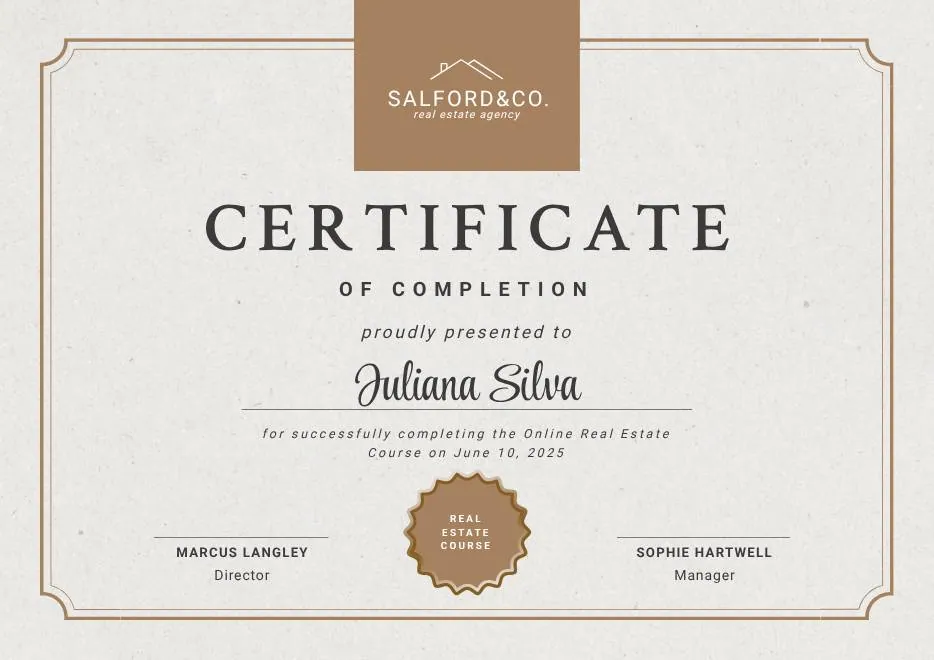
Beige Brown Aesthetic Real Estate Course Completion Certificate
-
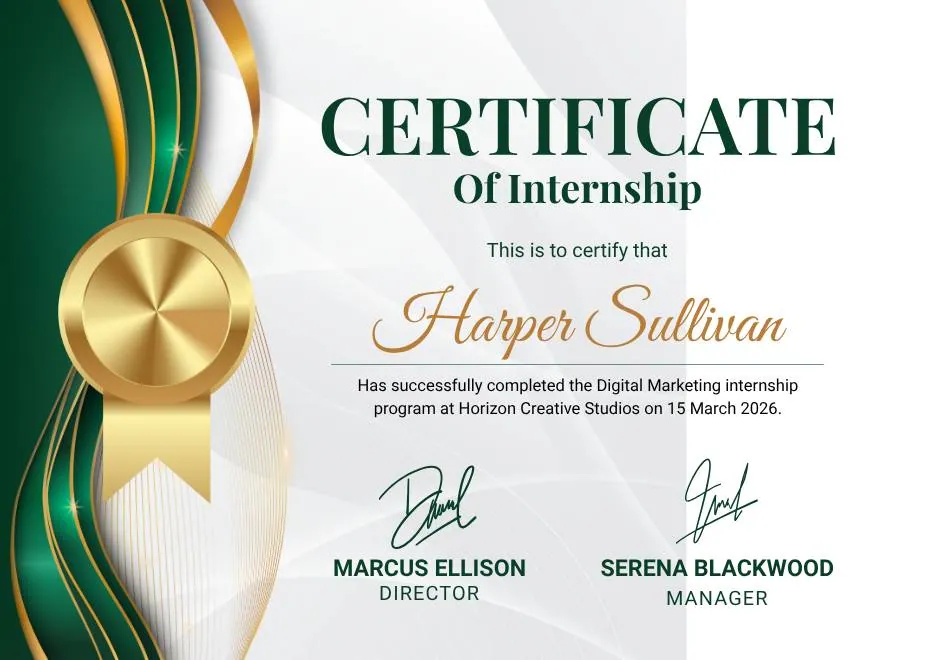
Green and Gold Elegant Internship Certificate
-
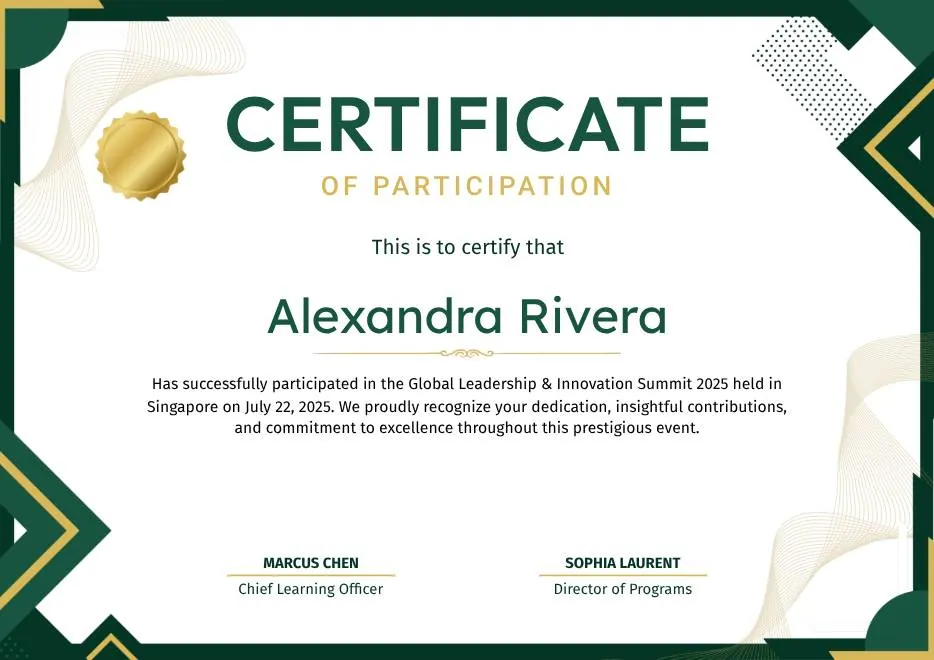
Green and Gold Geometric Modern Certificate of Participation
-
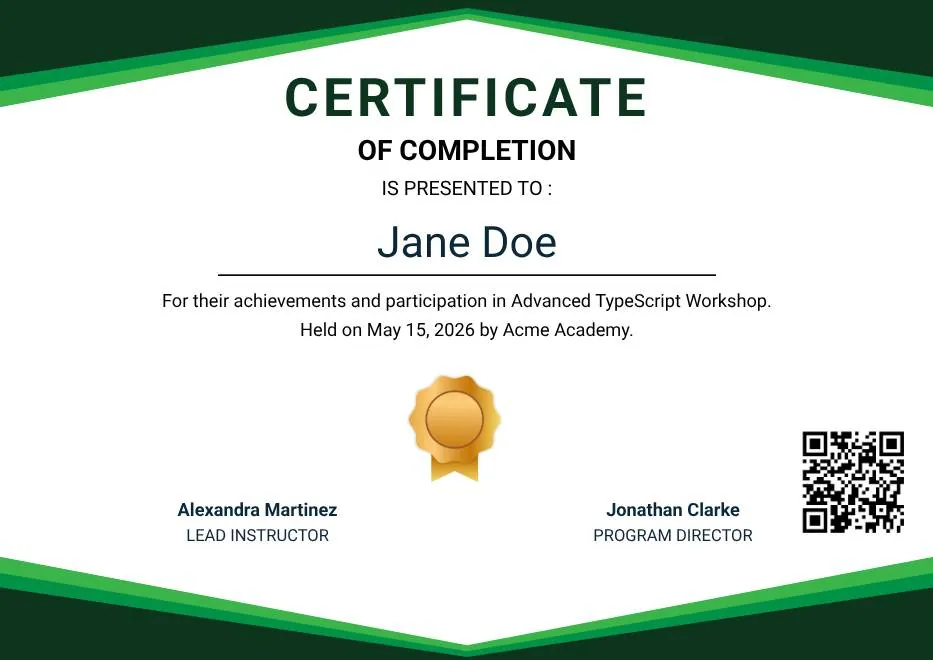
Green Modern Event Completion Certificate
-
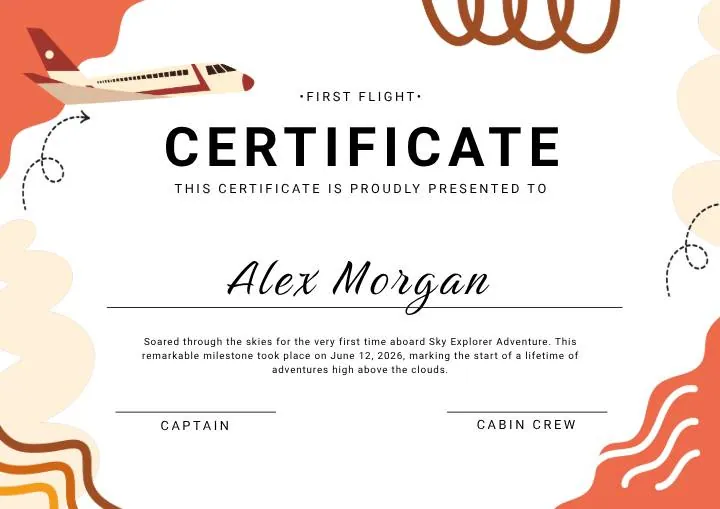
Orange and Brown Colorful Illustrated First Flight Certificate
-
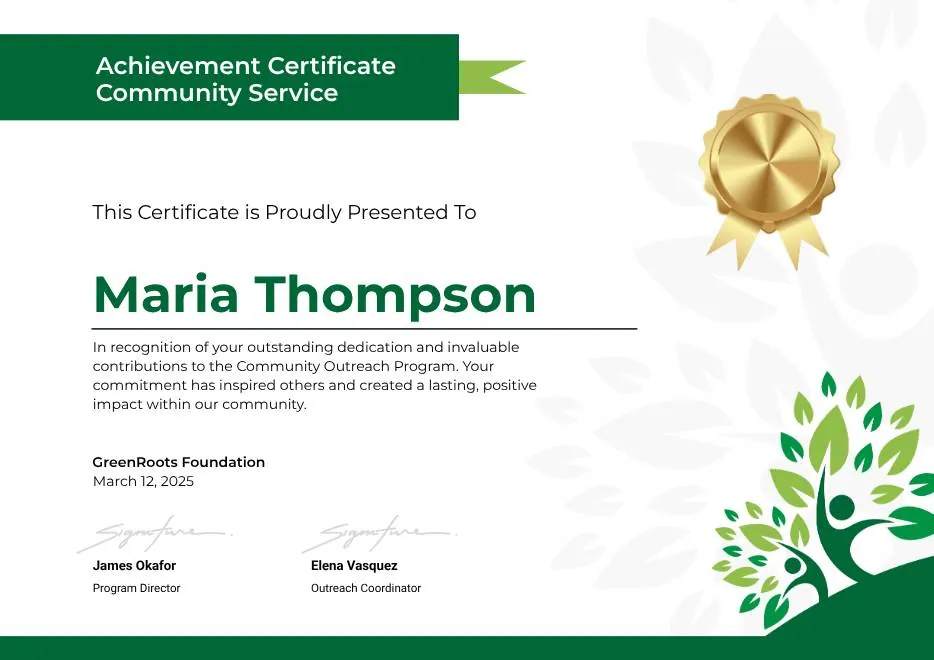
Green Clean Achievement Community Service Certificate
-
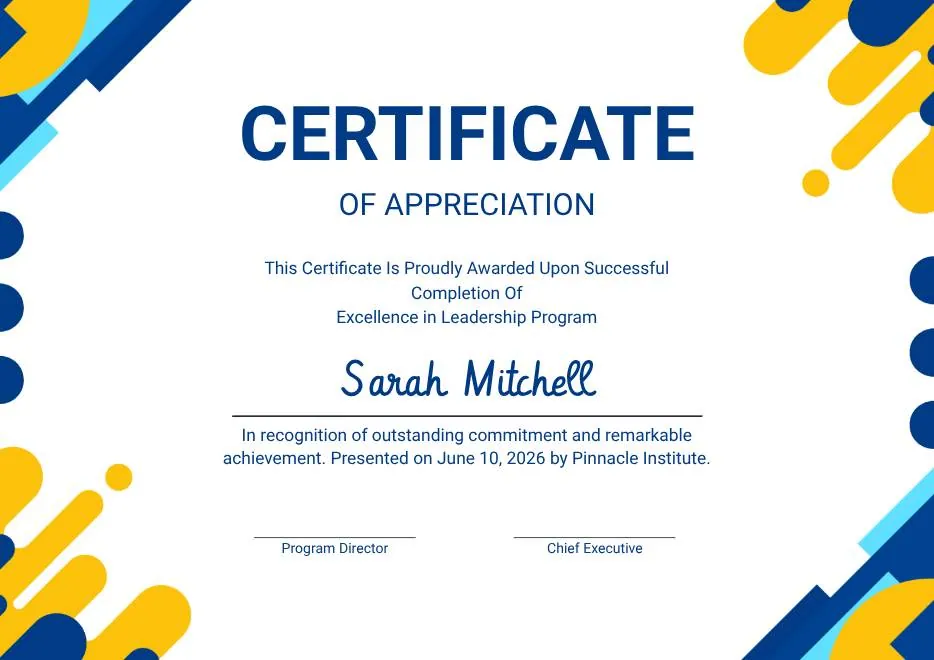
Yellow and Blue Modern Certificate of Appreciation
-

Colorful Funny Dinosaur Kids Certificate
-
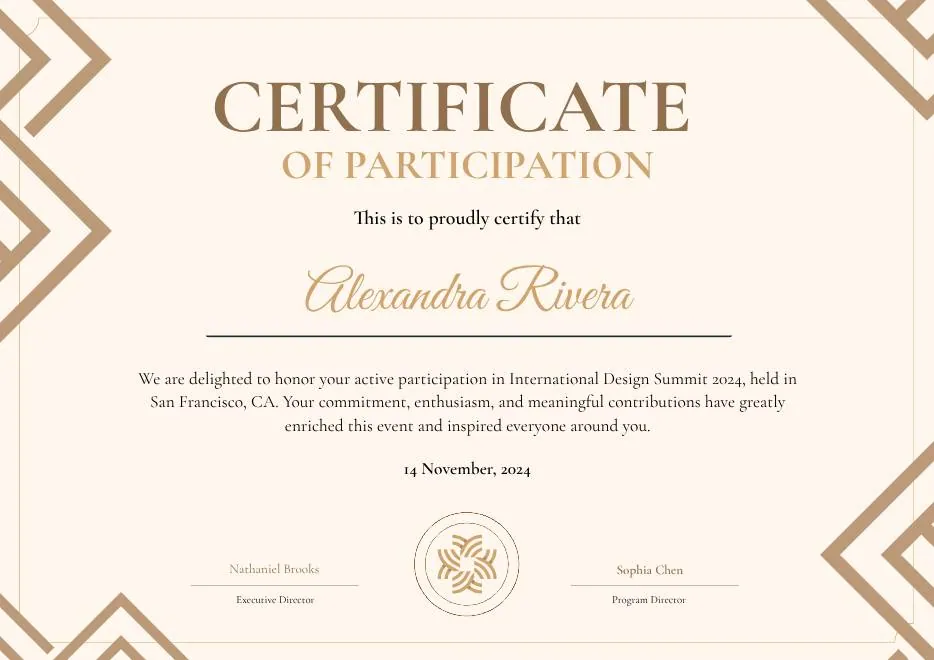
Brown Modern Geometric Participation Certificate
-
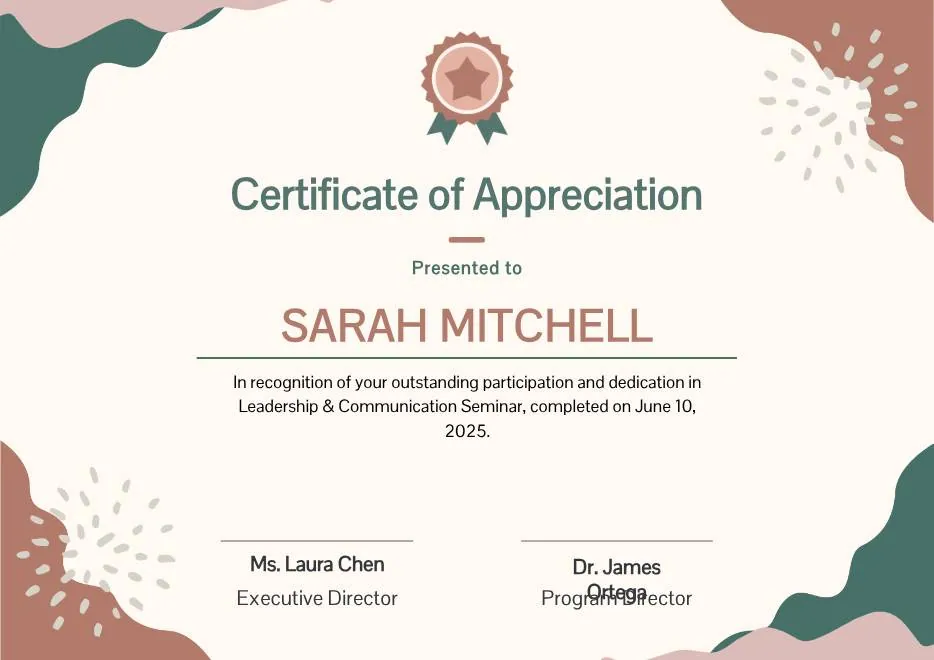
Beige Blob Appreciation Seminar Certificate
-
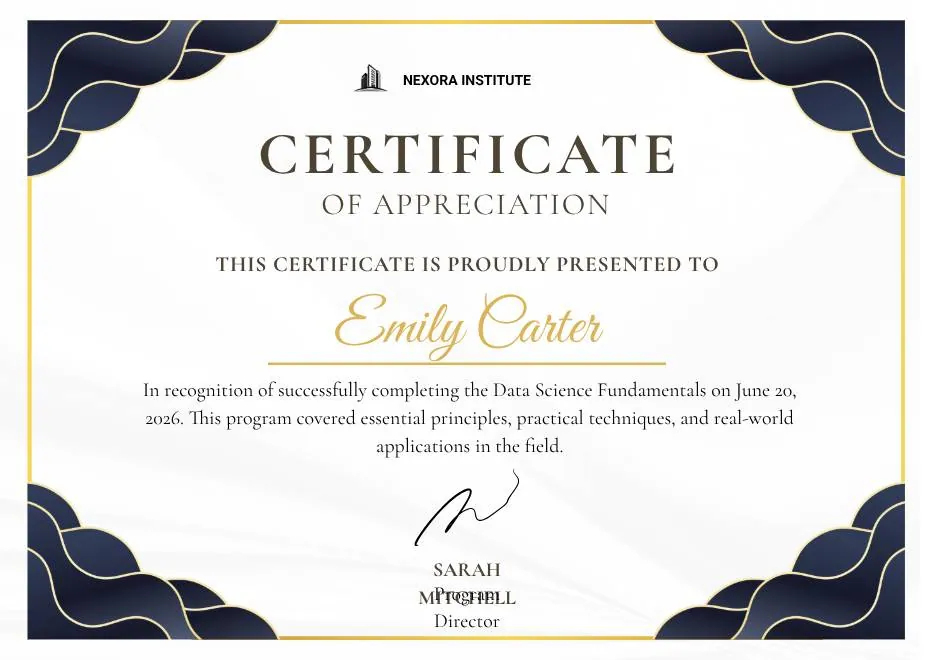
Navy and Gold Modern Appreciation Certificate
-
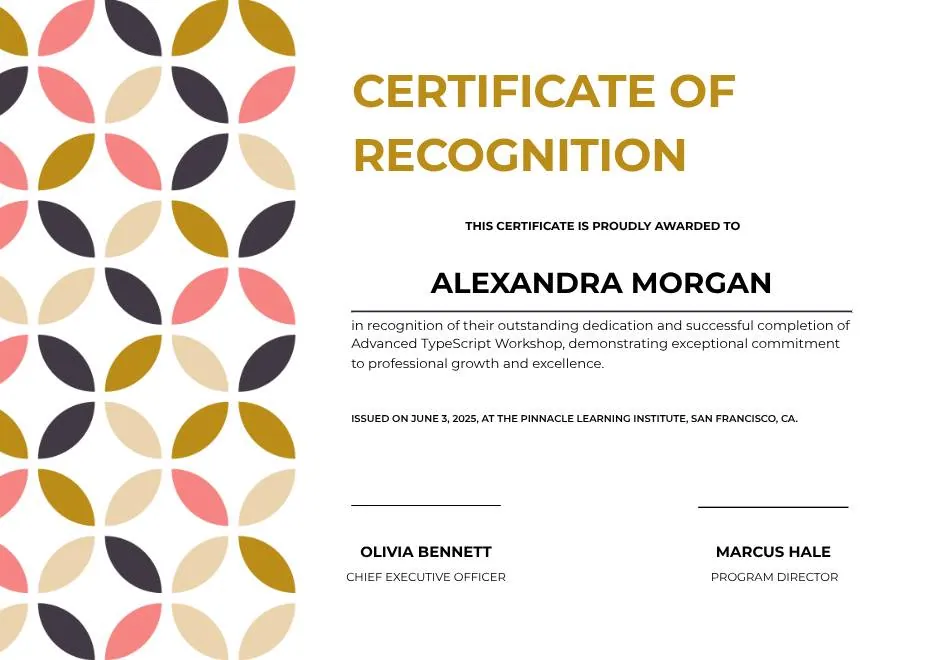
White Geometric Petal Pattern Certificate of Recognition
-
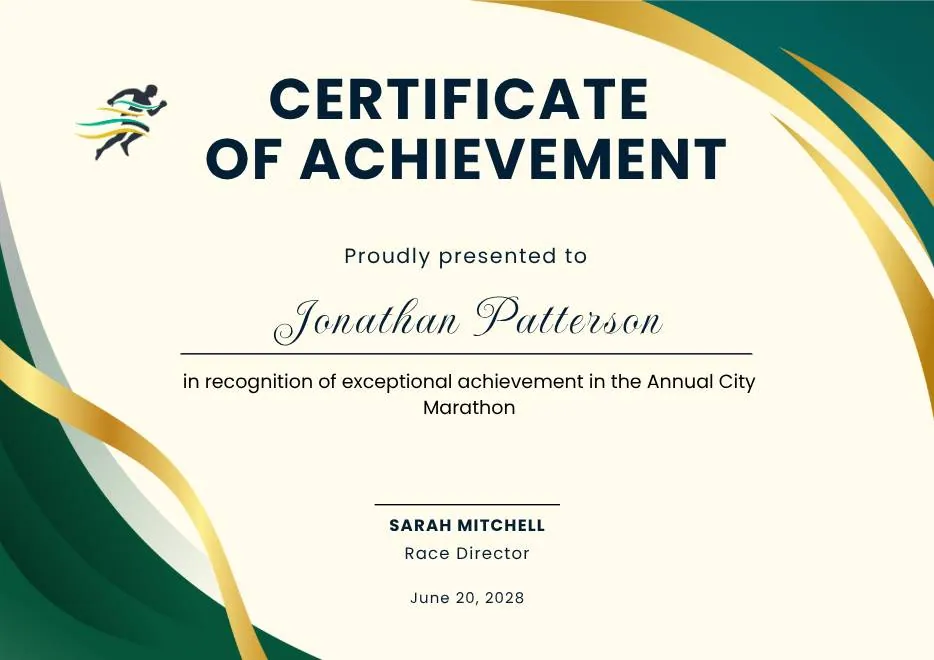
Green and Gold Modern Elegant Sport Achievement Certificate
-
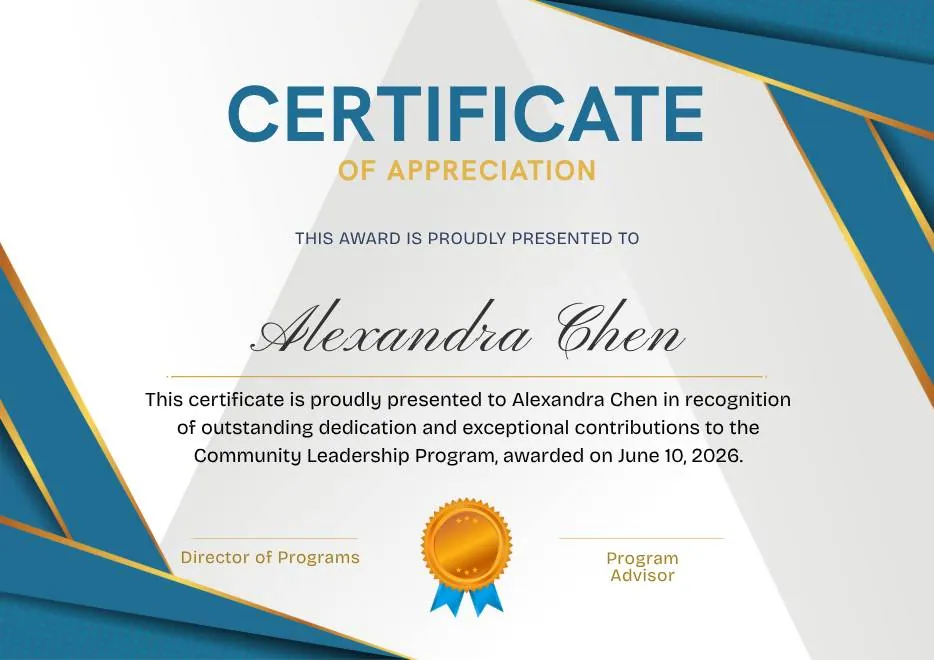
Blue and Gold Appreciation Certificate
-
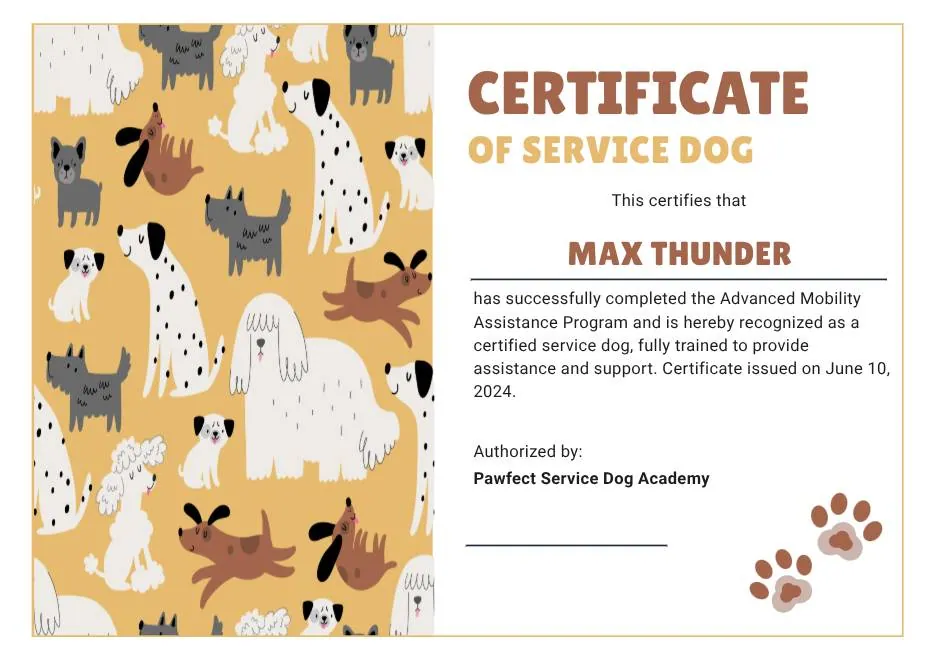
Tan White and Black Illustrated Service Dog Certificate
-
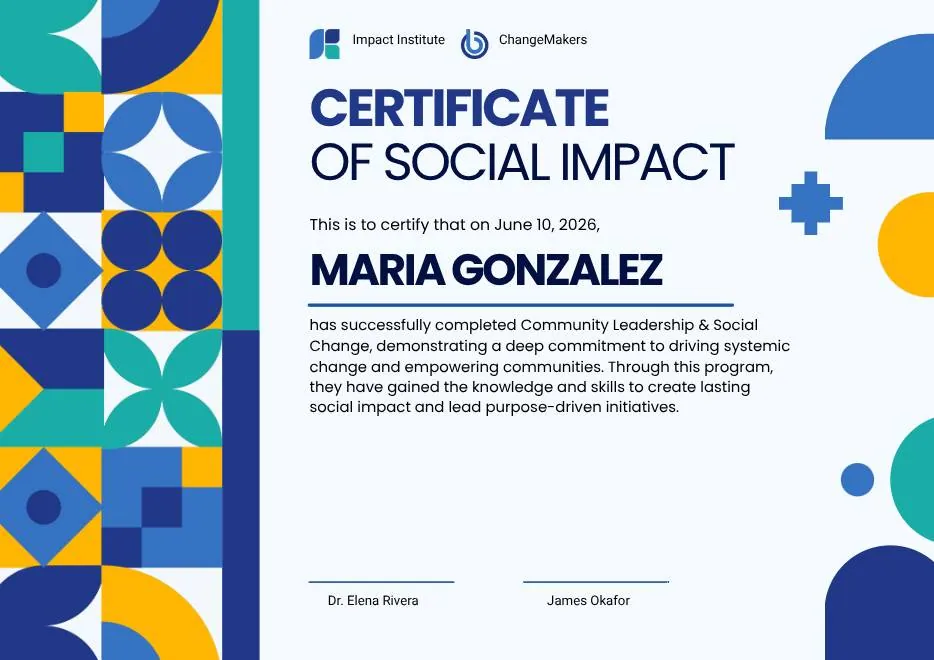
Blue and Yellow Geometric Certificate of Social Impact
-
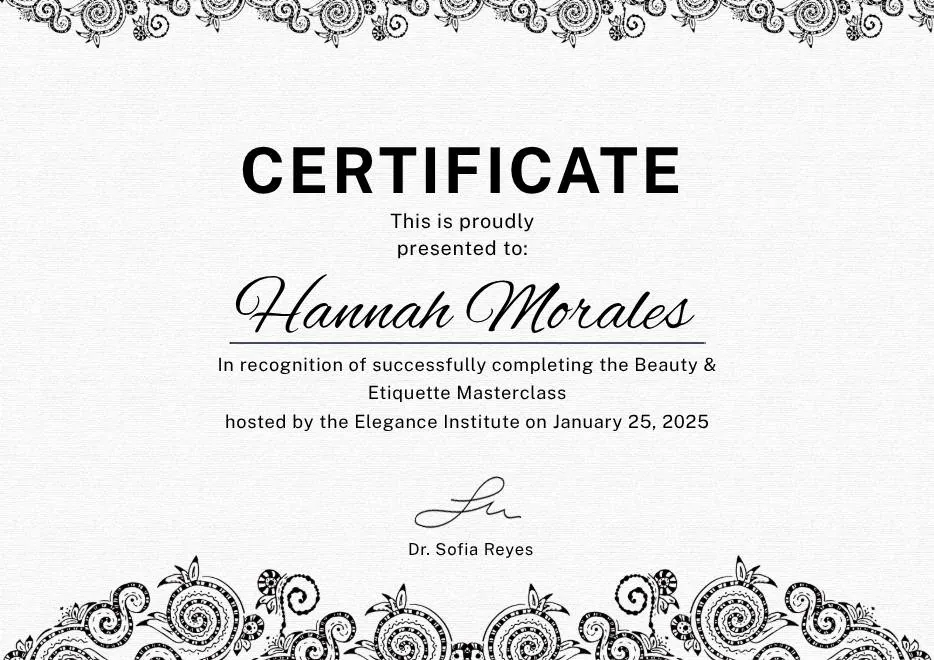
Black White Elegant Certificate Template
-
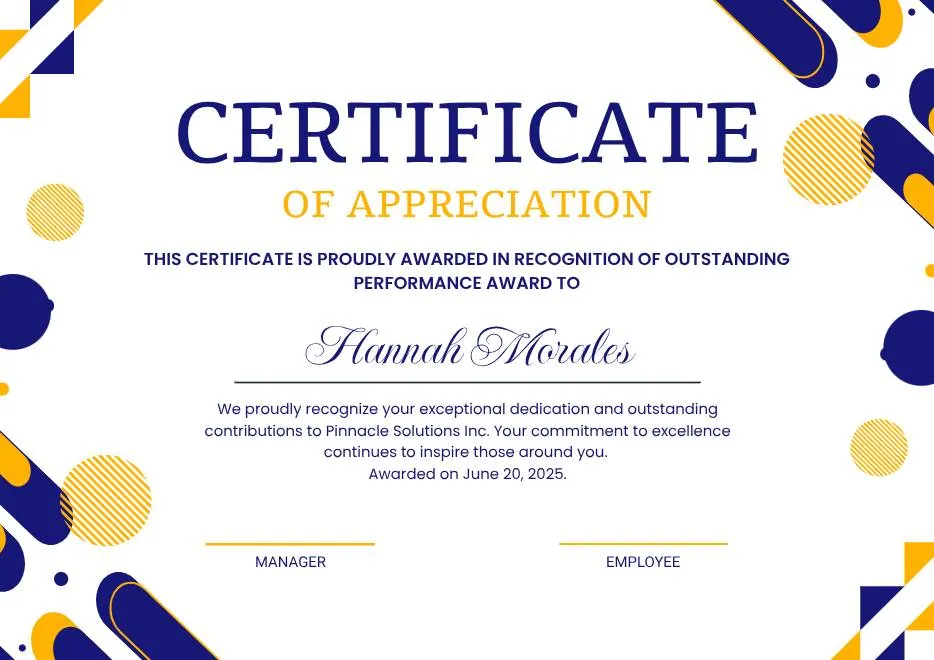
Blue Yellow and White Modern Appreciation Certificate
-
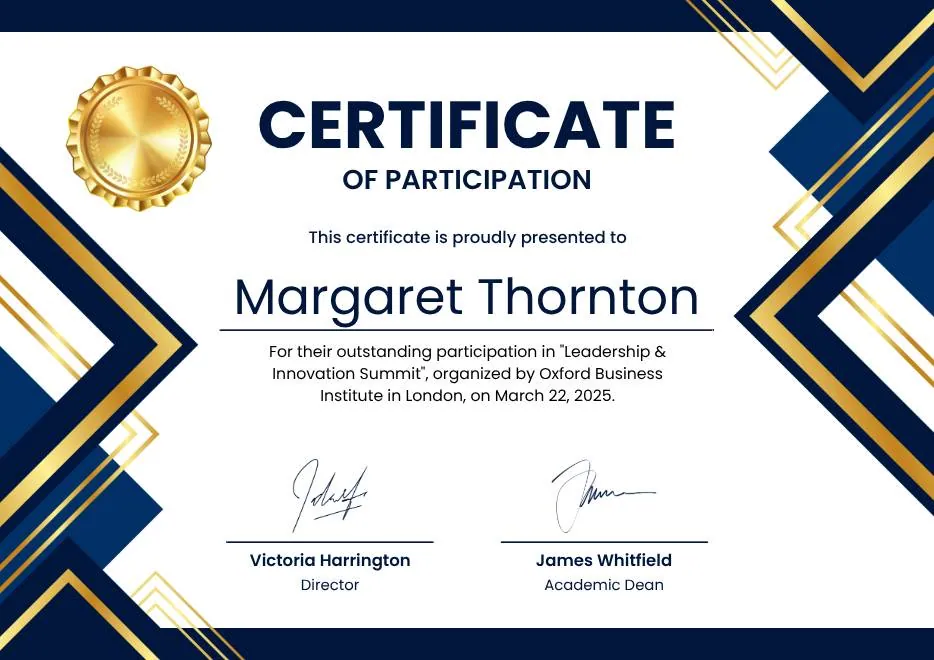
Blue White Gold Modern Participation Certificate
-
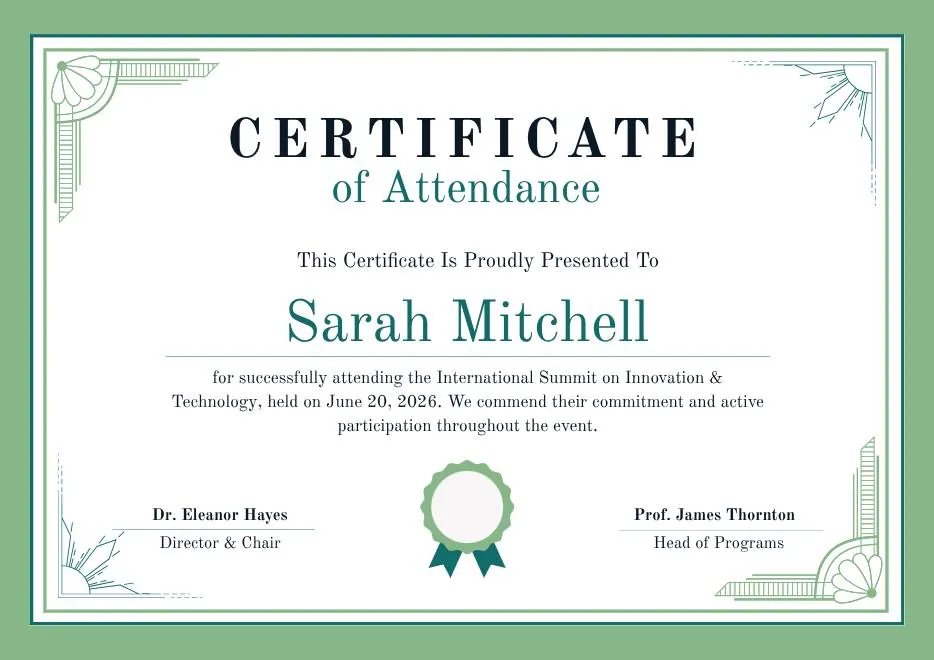
Green White Classic Minimalist Attendance Certificate
-
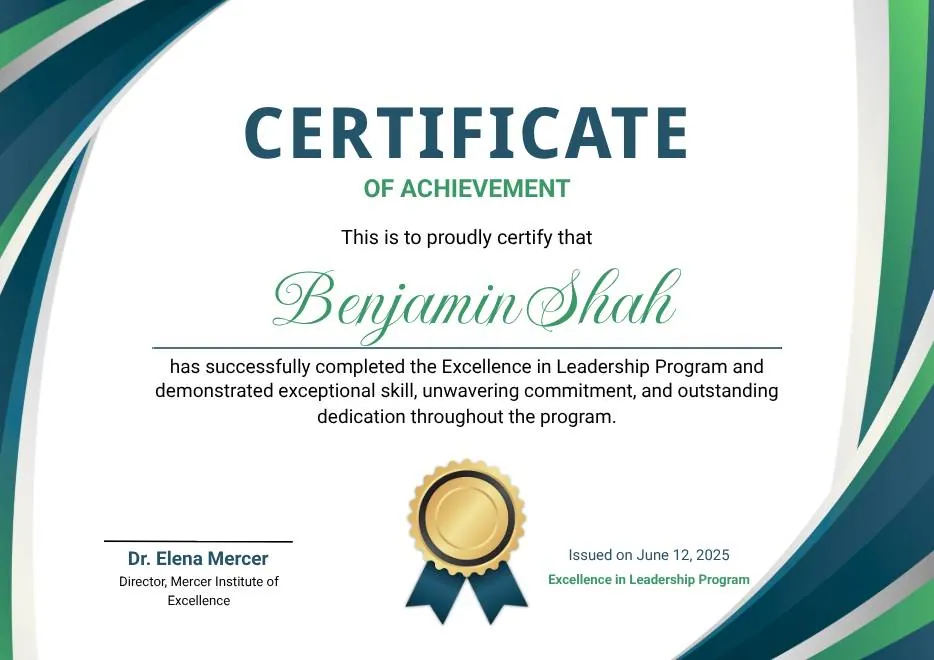
Blue and Green Modern Achievement Certificate
-
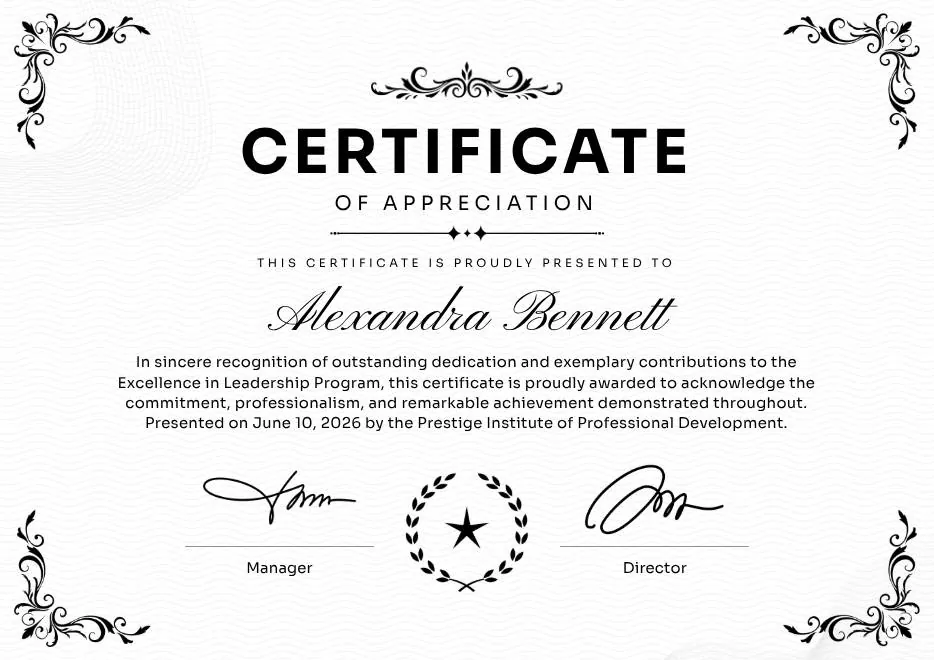
Black and White Traditional Appreciation Certificate A4
-
Colorful Abstract Waves Modern Participation Certificate
-
Green and Gold Modern Leadership Achievement Certificate
-
Teal Watercolor Elegant Certificate of Excellence
-
Blue and Yellow Modern Certificate of Excellence
-
Classic Floral Border Certificate of Achievement
-
Modern White and Green Certificate of Excellence
-
Beige Classic Certificate of Achievement
-
Colorful Brushstroke Art Certificate of Participation
-
Gold Elegant Workshop Participation Certificate
-
Blue and Gold Modern Certificate of Appreciation
-
Blue and Green Traditional Certificate of Achievement
-
Beige Brown Aesthetic Real Estate Course Completion Certificate
-
Green and Gold Elegant Internship Certificate
-
Green and Gold Geometric Modern Certificate of Participation
-
Green Modern Event Completion Certificate
-
Orange and Brown Colorful Illustrated First Flight Certificate
-
Green Clean Achievement Community Service Certificate
-
Yellow and Blue Modern Certificate of Appreciation
-
Colorful Funny Dinosaur Kids Certificate
-
Brown Modern Geometric Participation Certificate
-
Beige Blob Appreciation Seminar Certificate
-
Navy and Gold Modern Appreciation Certificate
-
White Geometric Petal Pattern Certificate of Recognition
-
Green and Gold Modern Elegant Sport Achievement Certificate
-
Blue and Gold Appreciation Certificate
-
Tan White and Black Illustrated Service Dog Certificate
-
Blue and Yellow Geometric Certificate of Social Impact
-
Black White Elegant Certificate Template
-
Blue Yellow and White Modern Appreciation Certificate
-
Blue White Gold Modern Participation Certificate
-
Green White Classic Minimalist Attendance Certificate
-
Blue and Green Modern Achievement Certificate
-
Black and White Traditional Appreciation Certificate A4
Questions about bulk issuance
What ops teams ask before they migrate
What's the largest batch you've processed?
Can I schedule batches to send later?
What if my data has errors?
Do bounced emails count toward my credential quota?
Run your first bulk batch in minutes
Free for your first 50 credentials each month. Scale to thousands or millions when you're ready — same dashboard, same template.