Digital certificate software: 10 tools compared
Compare 10 digital certificate software platforms on design, bulk issuing, verification, integrations and pricing, plus a test to run before you buy.
Mia Carter
Co-founder & CEO, CertSeal

Pick the cheapest digital certificate software and you’ll often pay twice. First you pay for the subscription. Then you pay in staff time when a bulk send fails, a printed QR code opens a login screen, or the pricing model punishes learners who come back for a second course. Template count predicts none of that.
Those problems rarely show up in the demo. They arrive in month four. The CRM can’t trigger issuance. A certificate with a misspelled name can only be fixed by issuing a new link. Revoking a credential sent in error leaves the old PDF looking perfectly valid. That’s why this comparison judges ten platforms on five working stages and on how each one charges, not on design alone.
The stakes are rising on the verification side. Gartner predicts that by 2028, one in four candidate profiles worldwide will be fake, while employers lean on credentials more than ever: in Coursera’s Micro-Credentials Impact Report 2025, 96% of the 1,000+ employers it surveyed across 10 countries said a micro-credential strengthens a candidate’s application, up from 88% two years earlier. Coursera sells micro-credentials, so read that as vendor research, but the point stands: a certificate is only worth as much as a stranger’s ability to check it.
A note on scope: this guide covers software for issuing certificates to people, for courses, training, events, and professional programs. If you’re looking for SSL/TLS certificate management, that’s a different category with its own deadlines: the CA/Browser Forum voted in April 2025 to shorten public TLS certificate lifetimes in stages, to 200 days from March 2026 and 47 days by March 2029.
The five stages that matter

Every platform below claims to cover the whole lifecycle. Test each one at these five points instead:
- Design. Can you control branding without fighting the editor, and place recipient data exactly where it belongs?
- Issuance. Does bulk import catch duplicates and bad rows before anything is sent, and can you see which emails failed?
- Verification. Can a third party confirm the issuer, the recipient, and the current status in seconds, without an account, even from a printed copy?
- Integrations. Will your LMS, CRM, webinar, or event tool trigger issuance, or will someone still export a CSV every Friday?
- Analytics. Can you see opens, shares, and verifications, or only that emails were sent?
Practical rule: if you issue from spreadsheets today and need QR verification tomorrow, test your messiest CSV first. Duplicate handling and clear failure reports save more time than another template pack.
How pricing models change the math

The pricing model matters as much as the price. Most platforms charge in one of three ways:
- Per certificate or credential. You buy a monthly or annual allowance of credentials. It’s easy to forecast when each learner earns one certificate, and it suits one-off events.
- Per unique recipient. You pay for each person you issue to in a year, however many credentials they earn. It rewards programs where learners stack modules, badges, and a final certificate.
- Quote only. Pricing comes from a sales conversation. That can still be the right choice, but budget for procurement time before you can pilot anything.
Here’s how the difference plays out. A conference with 400 attendees, each getting one certificate, and a course with 80 learners, each earning five credentials, both issue 400 credentials. Under per-credential pricing they cost the same. Under per-recipient pricing, the course needs an allowance of 80 and the conference needs 400. Work out both numbers for your own program before you compare price tags.
1. CertSeal
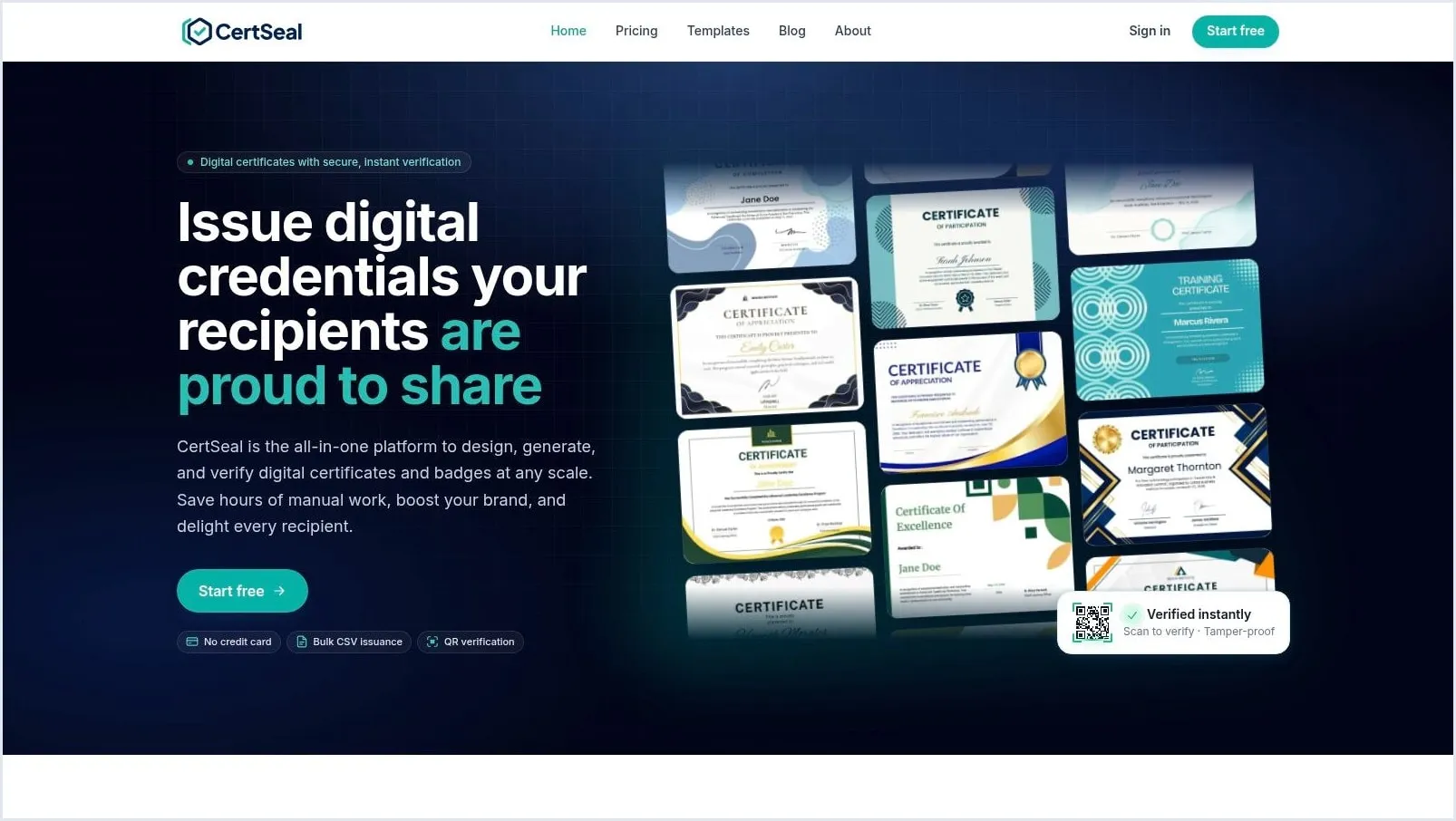
CertSeal is our product, so weigh this section accordingly. We’ve tried to be as specific about its limits as about everyone else’s.
CertSeal is certificate-first. You design in the drag-and-drop certificate maker, starting from one of 66 ready-made templates or your own background, and you can upload your own fonts from Starter. A batch takes a CSV or Excel file, and every extra column becomes a field you can place on the certificate or in the email. Repeated email addresses are flagged and skipped before you send. For recurring programs, the REST API, Zapier, and Zoom issue certificates without a spreadsheet, and you can run batches by asking Claude or ChatGPT.
Each recipient gets an email with a link to their own certificate page, with no account to create. The page shows the name, course, issuer, and certificate ID, with the PDF one click away, and the QR code printed on the certificate opens the same page from paper. The batch view shows every email as sent, queued, or failed, so you can fix a bad address and re-send. Correct a typo and the certificate re-renders at the same link and QR code. On Plus and up, revoking a certificate replaces its page with a notice that the issuer revoked it, the PDF stops downloading, and you can send from your own email domain.
On Plus and Professional, each certificate can also be downloaded as an Open Badges 3.0 credential: a W3C Verifiable Credential signed with your organization’s own key, which recipients keep in a wallet such as the Learner Credential Wallet and anyone can check with VerifierPlus. The Open Badges guide covers the setup.
Pricing is per certificate, billed monthly or yearly. Free covers 100 certificates a year, Starter is $39/mo for 1,200 a month, Plus is $99/mo for 10,000, and Professional is $199/mo for 30,000. Annual billing costs about 17% less, and every limit is on the pricing page.
The gaps are real. There’s no engagement dashboard: webhooks and Zapier tell your systems when a recipient first opens a certificate, and that’s the extent of it. There’s no LinkedIn add-to-profile button, no native LMS connector, and no learning pathways, and certificate pages live on CertSeal’s domain rather than yours.
Best for: training providers, webinar and event teams, and associations issuing branded certificates in bulk with QR verification, plus Open Badges when a program needs them. Watch for: if you need pathways, engagement analytics, or LMS-triggered issuing out of the box, look at Accredible, Sertifier, or Parchment below.
2. Certifier
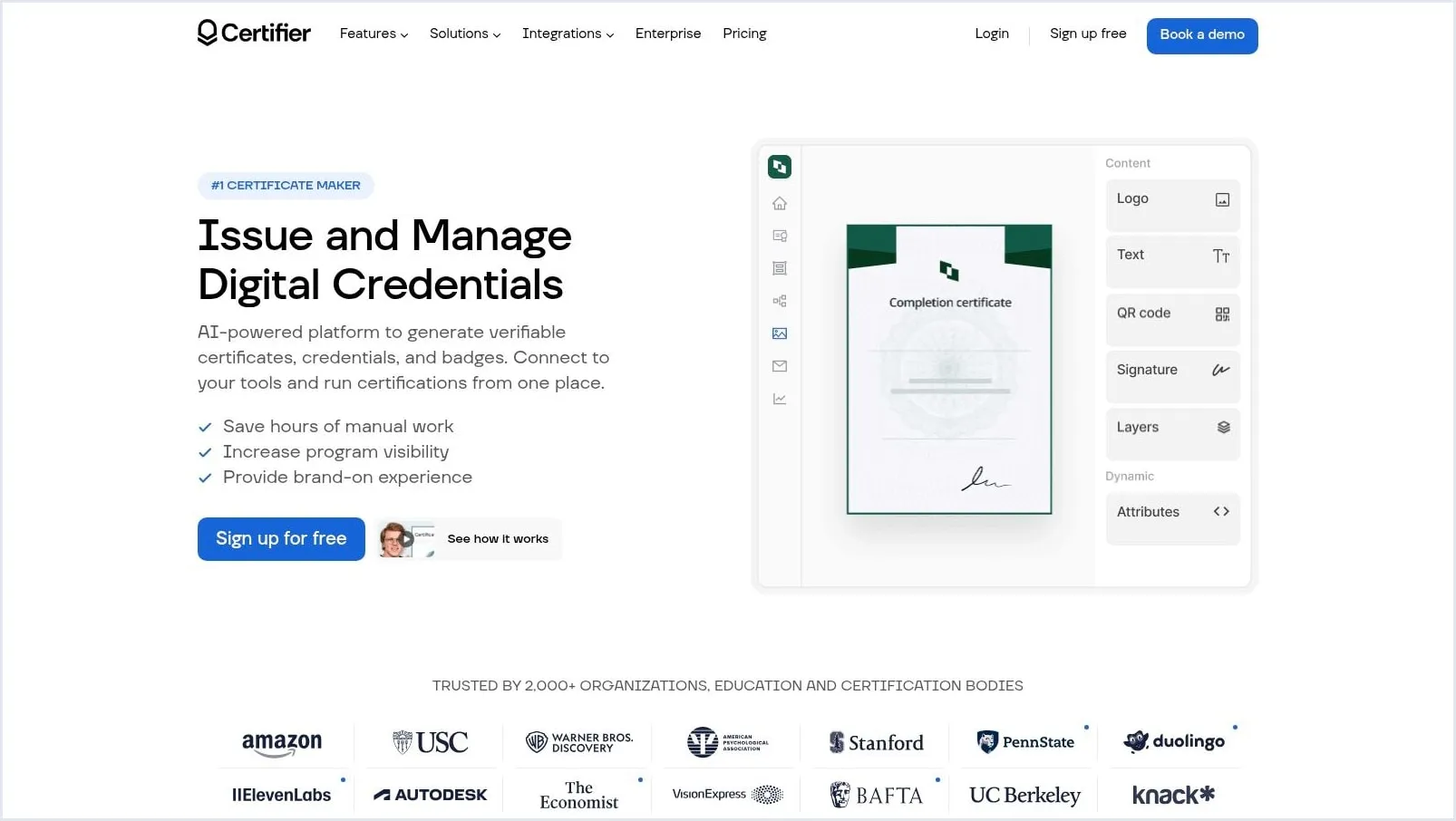
Certifier is a self-serve option for teams that want design, bulk issuing, delivery, and verification without a procurement cycle. Its certificate and badge editors support templates, dynamic attributes, and bulk recipient uploads, and its badges are issued in the Open Badges 3.0 format.
The free Starter plan is generous for a pilot. It covers 250 credentials a year and gives each one a verification page, PDF, PNG, and JSON downloads, and LinkedIn sharing and add-to-profile. The API, webhooks, an MCP server for AI assistants, and connections to Zapier, Make, and Pipedream are all on the free plan too, which makes it easy to wire into existing automation.
What you pay for comes in layers. QR codes for verification and team collaboration start on Professional, from $42/mo billed annually ($49 monthly) for 250 credentials a year. Branded emails and credential pages are a further $42/mo add-on on Professional. Custom domains, custom roles, and SAML SSO need Advanced, from $212/mo billed annually. Price the tier your program will actually need, not the entry one. Our CertSeal vs Certifier page has a side-by-side.
Best for: smaller programs that value fast self-serve setup, LinkedIn sharing, and automation on the free plan. Watch for: QR codes, branding, and custom domains sit on higher tiers or add-ons, so a large cohort can push you up quickly.
3. Accredible
Start with the pricing model, because it decides who Accredible suits. It bills by unique recipients per year, with unlimited credentials per recipient. A learner who completes four modules, earns four badges, and then a final certificate counts once, where per-credential pricing would count five.
That model flatters programs where learners stack credentials over time. It works against high-volume, one-off events where every recipient is new. The self-serve Launch plan starts at $45/mo for 50 recipients, billed monthly on a 12-month commitment rather than month to month, and there’s a free trial for up to 20 people. API access is an add-on on Launch.
The broader workflow is strong. Accredible covers certificate and badge design, bulk issuance, credential pages, and Open Badges 3.0, and blockchain-backed credentials are included from Launch. The sales-led Connect and Growth plans add the features that make it distinctive: learning pathways (up to three on Connect, unlimited on Growth), Apple and Google digital wallet cards, analytics, and an included API.
A verified page still has to explain what the holder can do, which is why programs that issue for hiring weigh digital certification services and credential evidence closely. Check how Accredible displays skills, criteria, and evidence before you commit. The CertSeal vs Accredible page compares the two directly.
Best for: education and professional programs where each learner earns several credentials, and pathways matter. Watch for: the annual commitment, and the fact that pathways, wallet cards, and analytics start on sales-led plans.
4. Credly by Pearson
Credly by Pearson sells recognition and portability as much as issuance. Its large earner network matters for professional certifications and workforce programs, where recipients want badges that employers already recognize. If your credential gains value from being seen, that network effect is a real differentiator.
Credly issues badges in the Open Badges 2.0 and 3.0 formats and offers a public API for connecting issuance to your own systems. Pathways issue a completion badge automatically when an earner finishes a set of credentials, and organizations can switch on blockchain anchoring, which Credly says comes at no additional cost.
Demand for this kind of portability isn’t niche. 1EdTech and Credential Engine’s 2025 Badge Count found that badge offerings more than tripled since 2022, from 521,000 to 1,708,774, as reported by 24 badge platforms (up from 15, so read the growth as a direction rather than an exact multiple). Employers and industry associations each issued badges through 62% of those platforms, which fits Credly’s professional focus.
The trade-off is procurement. Pricing is quote-only, there’s no free tier or trial, and onboarding runs through Credly’s sales team. Test the earner experience on a phone and the admin search with a misspelled name before you sign, because those small frictions decide whether support tickets rise after launch.
Best for: certification bodies and enterprises where employer recognition of the badge outweighs procurement speed. Watch for: no published pricing and no way to try it before a sales conversation.
5. Sertifier
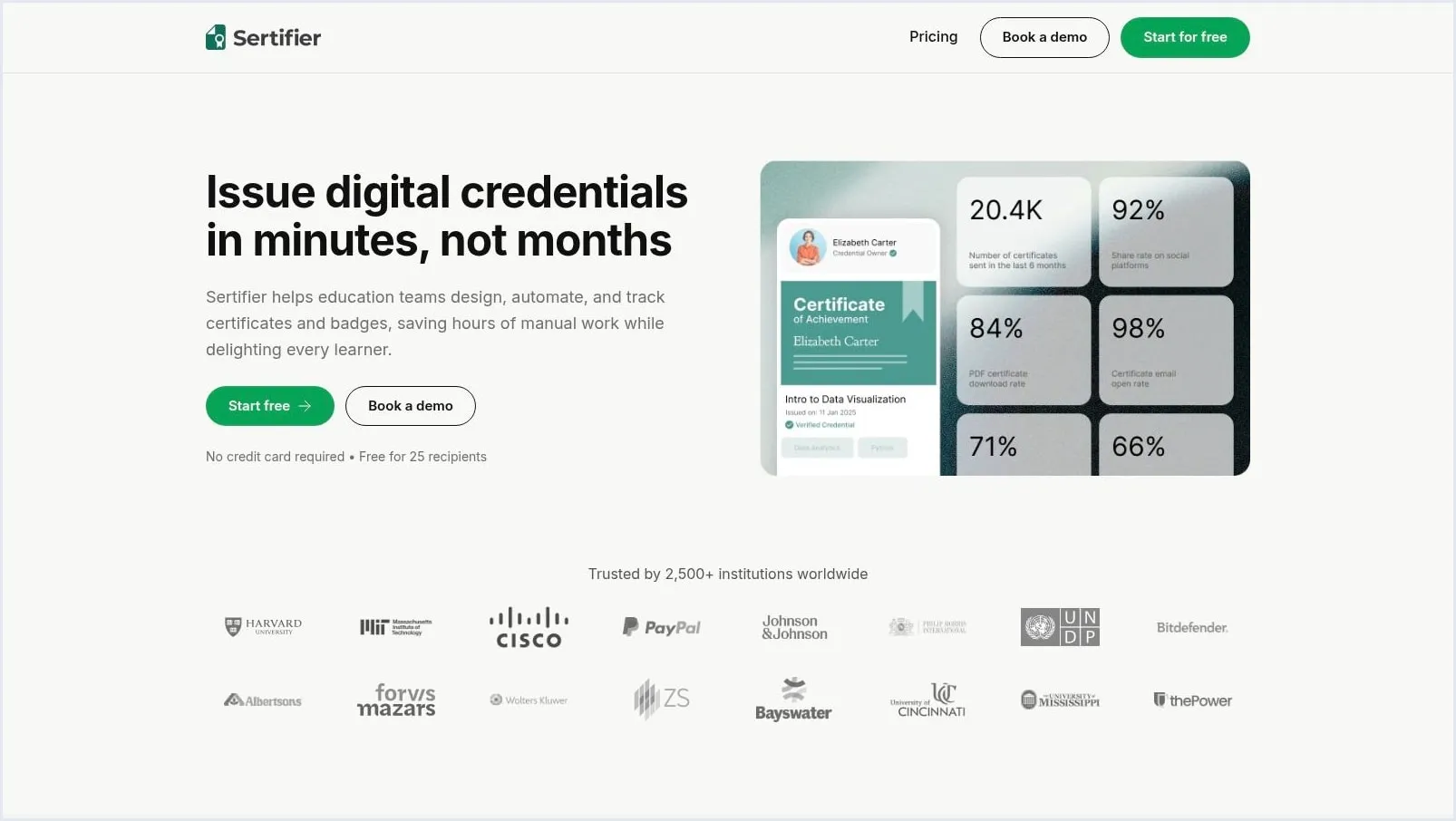
Automation is the reason to shortlist Sertifier. It connects credential design, delivery, verification, and engagement tracking to the systems that already know who passed. Its integrations directory lists Canvas, Moodle, Zoom, Blackboard, and D2L Brightspace, alongside a REST API and webhooks.
Say a learner passes in Moodle at midnight. An issuing rule can send the credential straight away, without an admin exporting a CSV the next morning. That’s good operations, provided your source data is clean. Verification works through QR codes and URLs, with optional blockchain-backed validation, and Sertifier states that issued credentials stay valid and accessible to recipients even if you cancel.
Pricing scales by recipients per year, with unlimited credentials each:
- Free: up to 25 recipients, with no card and no time limit.
- Paid: $375/yr for up to 250 recipients ($38/mo billed monthly), or $1,300/yr for 1,000.
- Add-ons: branding, advanced analytics, and extra seats cost extra, and SSO is Enterprise-only.
Sertifier says it supports Open Badges without naming a version on its homepage, so ask which one if wallet portability matters. Compare it on the CertSeal vs Sertifier page.
Best for: learning teams that want LMS- and webinar-triggered issuing and can forecast recipient volume with confidence. Watch for: branding and analytics add-ons, and overage risk if your cohorts swing widely from year to year.
6. Certopus
Certopus aims wide. It covers certificate and badge builders, templates, bulk upload, personalized email distribution, and PDF export for courses, events, and learning pathways. Training providers and event organizers who run several credential types may prefer that breadth to stitching tools together.
Standards support is its strongest technical claim. Every plan, free included, lists Open Badges 2.0 and 3.0, W3C Verifiable Credentials, and revocation. That matters more since the W3C published the Verifiable Credentials 2.0 family as Recommendations in May 2025, including Bitstring Status List 1.0 for privacy-preserving revocation. Custom SMTP, so certificates come from your own address, is on every plan too.
Ask what the standards mean in daily use. How fast does a revocation reach a verifier? Can someone check a printed certificate? Good vendors answer those questions in operational terms, not just standards names.
The catch is working out what you’ll pay. Prices move with a volume slider, with Standard from about $24/mo billed annually. Many Standard features, including API keys, custom domains, branded verification pages, and pathways, are paid add-ons, while white-labeling and LMS integration need Professional and SSO needs Enterprise. The pricing page also lists the free plan as both 250 and 50 credentials, so confirm the limit before you plan a pilot around it. See CertSeal vs Certopus for a side-by-side.
Best for: training providers and event organizers who want broad standards support from the first plan. Watch for: add-on pricing on Standard, and read the tier table against your peak issuance month.
7. Open Badge Factory
Badge-first programs with governance needs should look at Open Badge Factory, a European platform built for structured recognition. It supports badge design, issuing, badge applications with review, endorsements between organizations, and reporting, and since September 2025 every badge it issues uses Open Badges 3.0. PDF badges can serve as certificates, but the mental model is recognition, not a general-purpose certificate generator.
That distinction helps certain programs. Say learners must apply for a badge, submit evidence, and wait for review. Application and endorsement workflows handle that properly, where a simple bulk uploader would push approvals into spreadsheets and email. Teams comparing structured recognition with other digital badging software should test that review flow end to end: who can approve, what evidence is stored, and how a rejected applicant learns what to fix.
Pricing is published in euros, billed annually, excluding VAT, with a 60-day free trial:
| Tier | Price per year | Badges per year | Emails per day |
|---|---|---|---|
| Basic | €220 | 5,000 | 50 |
| Premium | €700 | 15,000 | 500 |
| Pro | €1,280 | 50,000 | 2,000 |
| Enterprise | Quote | — | — |
Check those email caps against graduation week, not your average month. At 50 emails a day, a 400-person cohort on Basic takes eight days to notify, unless you send through your own SMTP server, which lifts the cap. PDF certificates, the report generator, and the API need Pro, and custom SSO and the white-label service cost extra.
Best for: organizations where badge applications, endorsements, and pathways are central. Watch for: a learning curve you’ll pay for in governance features you may never use if you only need course-completion certificates.
8. BCdiploma
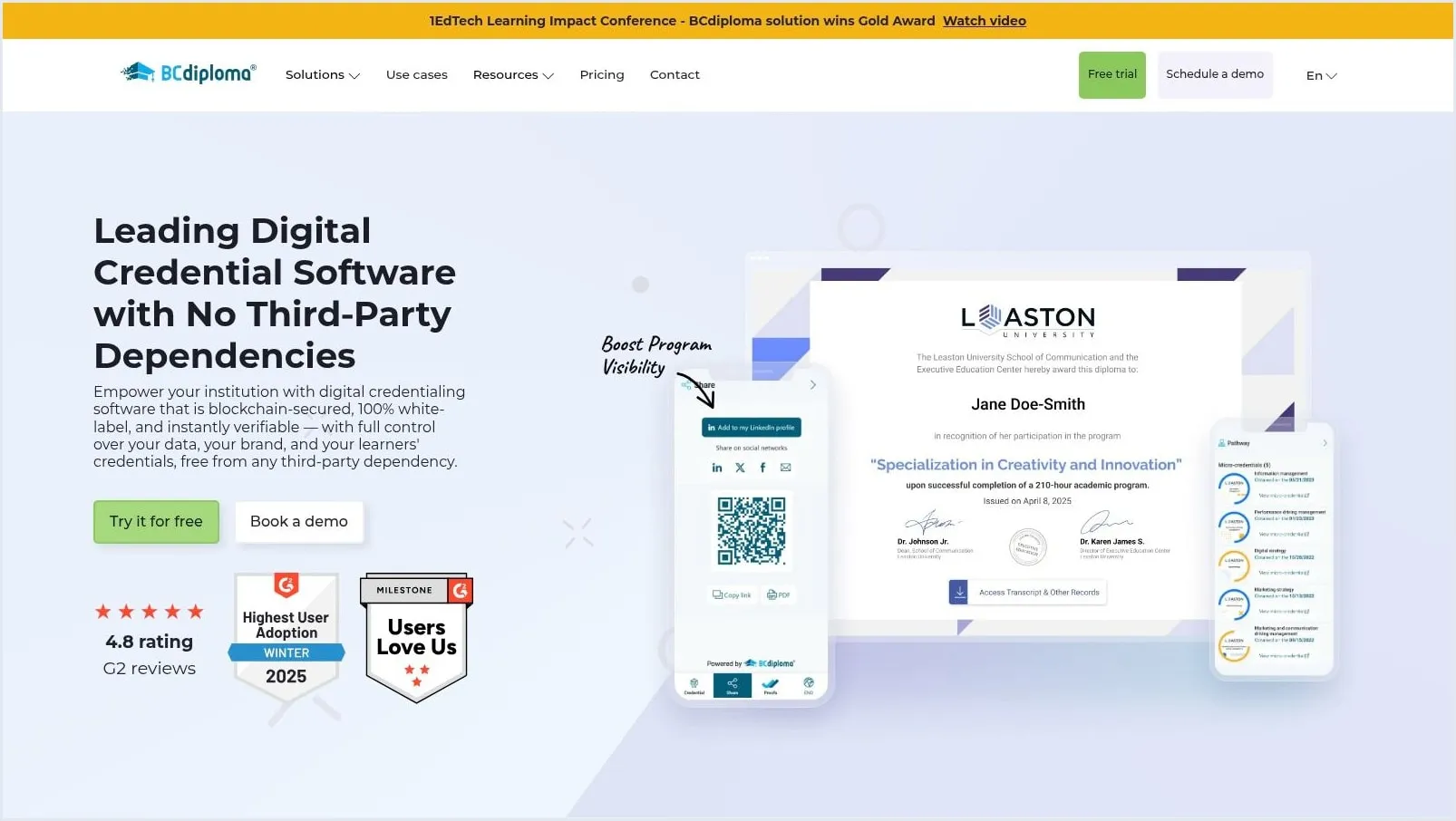
Universities and business schools issuing across borders are the clearest fit for BCdiploma. It issues diplomas, certificates, badges, and micro-credentials, anchored to a blockchain, with multilingual credentials and institution-level branding. It also issues Open Badges 3.0.
Pricing is per recipient per year, and a recipient counts once per subscription year however many credentials they receive. The Essentials plan is currently offered at $1.50 per recipient (a web offer against a $2.50 list price) with a 200-recipient minimum, so the floor is about $300 a year at the offer price. Essentials includes the full API, standard connectors, and multilingual credentials. There’s a free trial but no free plan.
Higher packs add what larger institutions expect. Downloadable PDFs and full white-labeling come with the White Label pack, where pathways and analytics are add-ons, and SSO and advanced integrations come with Infinite. BCdiploma states that issued credentials remain active, accessible, and verifiable after a subscription ends, which alumni offices should still confirm in the contract. Test recipient access and recovery with a non-technical graduate in mind: if alumni can’t retrieve a diploma five years later, the registrar becomes the help desk.
Best for: universities and schools that need multilingual, branded diplomas with long-term verification. Watch for: PDFs and white-labeling sit above the entry plan, and the recipient minimum rules out very small programs.
9. Parchment Digital Badges
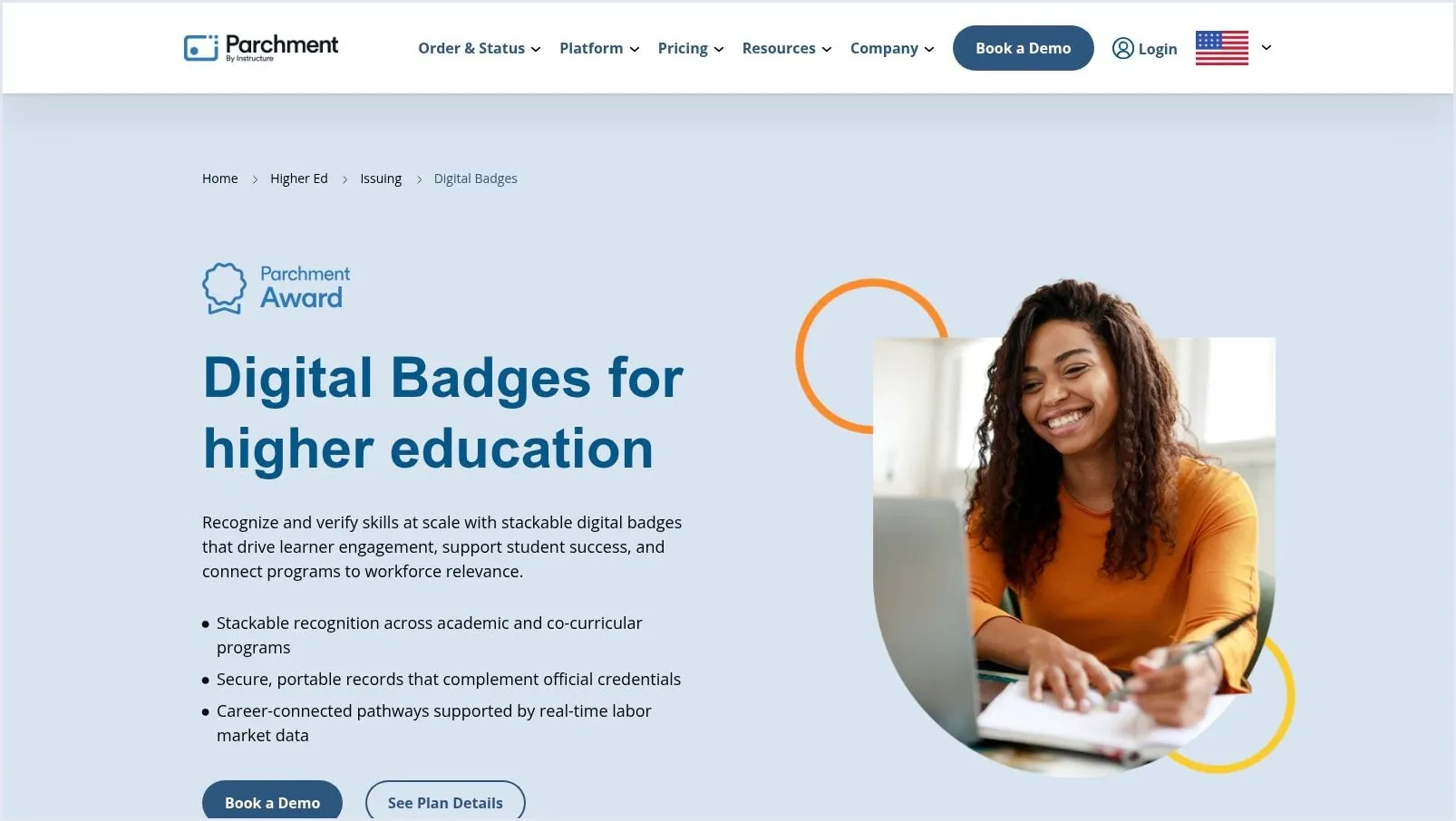
If your institution already runs on Canvas or Parchment, Parchment Digital Badges deserves a look for continuity. It’s the product formerly called Canvas Credentials (and before that, Badgr), renamed by Instructure in October 2025, and it’s built for higher education rather than lightweight certificate-only work.
It issues Open Badges 2.0 and 3.0 credentials with sharing and verification. Curricular and co-curricular pathways connect achievements into progression routes, and a market-aligned skills taxonomy helps advisers explain how a badge relates to jobs. Tracking analytics support program review, and the Canvas integration is deep, with other LMSs available. Confirm your exact LMS setup and data fields with the vendor, because pathway reporting is only as good as the completion data feeding it.
A pathway only motivates learners if the next step is visible before they finish the current one. Check the learner view, not just the admin diagram.
Pricing is by quote only, with no published tiers and no self-service route to budget approval. If badges span several colleges or campuses with separate governance, confirm licensing early.
Best for: colleges using Canvas that treat badges as part of a broader learner-records and progression strategy. Watch for: a training company that only needs branded completion certificates will carry unnecessary institutional weight.
10. Accredify
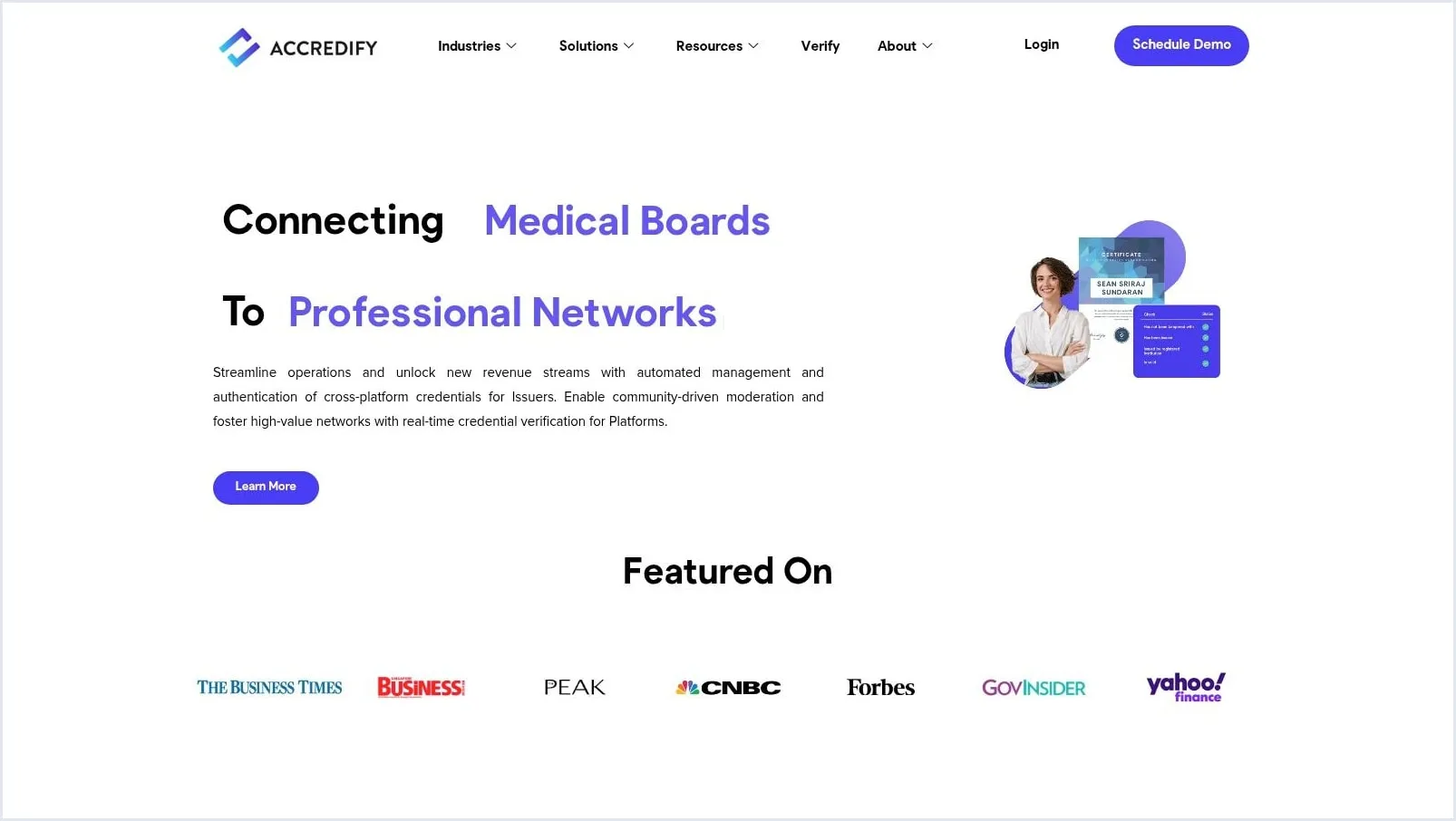
Accredify goes beyond course completion. The Singapore-based company, which also has an office in Sydney, issues and verifies certificates, transcripts, licences, and badges, and much of its work is with government and regulated issuers across Asia-Pacific. It supports several standards, including OpenAttestation and OpenCerts, W3C Verifiable Credentials, and Open Badges, though it doesn’t say which Open Badges version.
Accredify builds custom templates for issuers, supports batch issuing, and reports on issuance. Verification works by scanning a QR code or by dropping the file into an online verifier, and a check shows whether a credential has been revoked, suspended, or has expired. Programs reviewing the digital certificate verification process should test both paths, because an employer holding a PDF and an inspector holding a phone don’t work the same way.
Pricing isn’t published: there’s no pricing page, only a demo request. Confirm fit for badges, LMS connections, and analytics depth before procurement.
Best for: regulators, professional boards, and institutions issuing formal documents such as licences and transcripts. Watch for: no published pricing or free plan, and more formality than a marketing-led certificate program needs.
Pricing, free access, and best fit at a glance
Two columns drive the decision: how the vendor charges, and what you can issue before you pay.
| Platform | Pricing model | Free option | Best for |
|---|---|---|---|
| CertSeal | Per certificate; Starter $39/mo | Free plan, 100 certificates/yr | Bulk certificates with QR verification |
| Certifier | Per credential/yr; from $42/mo annually | Free plan, 250 credentials/yr | Self-serve programs with LinkedIn sharing |
| Accredible | Per recipient/yr; Launch $45/mo, 12 months | Free trial, up to 20 people | Learners who stack several credentials |
| Credly by Pearson | Quote only | None | Certifications that need employer reach |
| Sertifier | Per recipient/yr; $375/yr for 250 | Free plan, 25 recipients | LMS- and webinar-triggered issuing |
| Certopus | Per credential; from ~$24/mo annually | Free plan (limit listed two ways) | Broad standards support on every plan |
| Open Badge Factory | Annual tiers from €220/yr | 60-day free trial | Badge applications and endorsements |
| BCdiploma | Per recipient/yr; from $1.50, 200 minimum | Free trial | Multilingual university diplomas |
| Parchment Digital Badges | Quote only | None | Canvas colleges building badge pathways |
| Accredify | Quote only | None | Licences and formal documents, Asia-Pacific |
Prices were checked on each vendor’s site on 8 November 2026, and several move with volume sliders. Confirm current plans before you buy. Where a vendor offers no free plan or trial, budget for a sales conversation before you can pilot anything.
How to choose: run the same test on your top two
Don’t start with a demo. Start with three numbers and one name. Write down your expected unique recipients for the next 12 months, your total credential count, and your peak issuance week. Then name the person who must verify a credential without logging in, usually an employer, a regulator, or a partner institution.
That short list exposes pricing traps fast. Per-recipient pricing rewards you when learners earn stacks of credentials. Per-certificate pricing is easier to forecast when most learners earn one. Quote-only platforms can still win, but only if their network, governance, or institutional integrations give you something you can’t get self-serve.
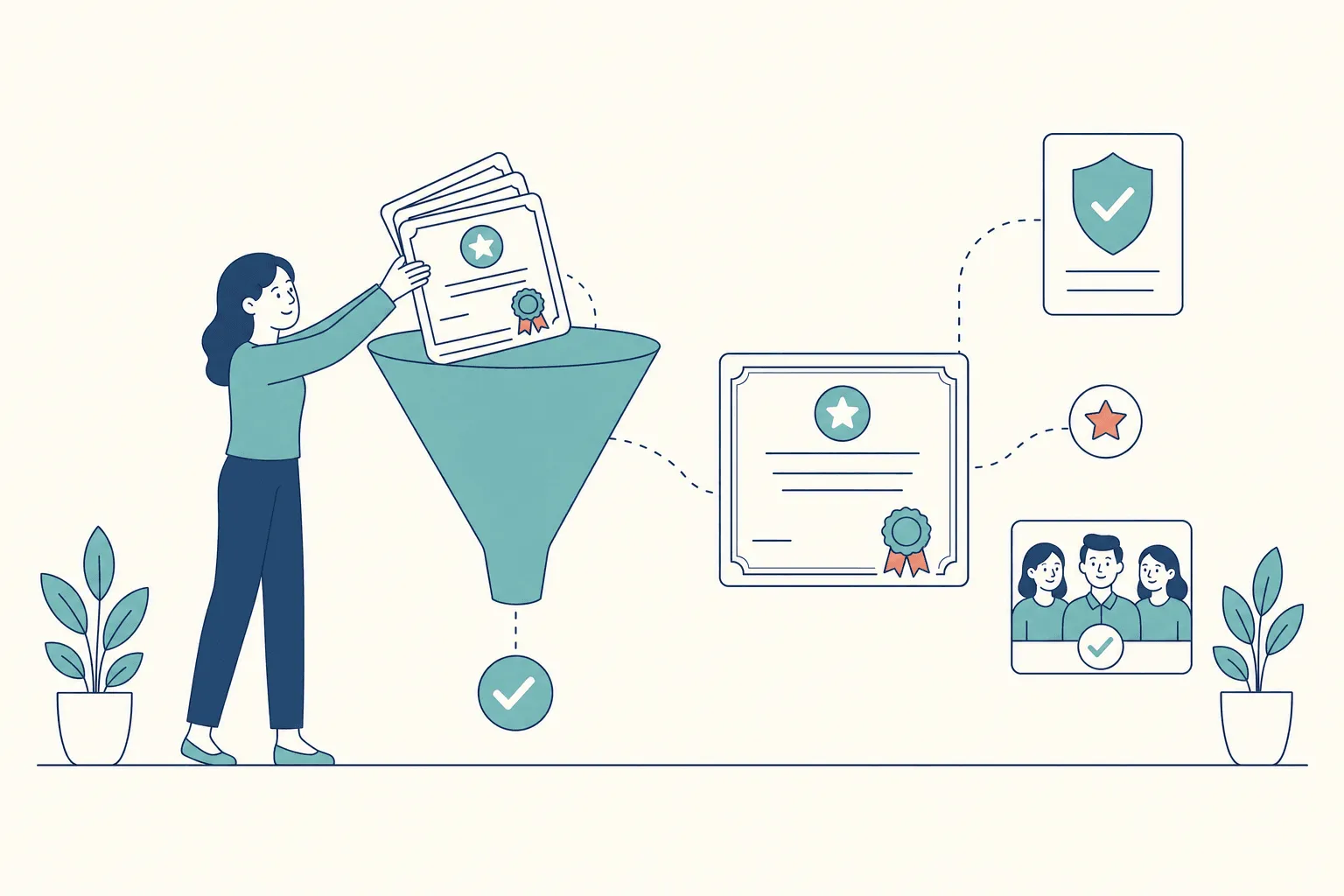
Send a deliberately messy test batch
Put 20 to 30 recipients through each finalist. Include a duplicate row, a missing email, a long name with accented characters, and one person who earns two credentials. Watch what each platform flags before sending and what it quietly mishandles. Then run these checks:
- Print one certificate and scan its QR code with a phone on mobile data.
- Revoke one credential and confirm the verification page changes, so the PDF alone no longer tells the whole story.
- Correct a misspelled name and check whether the old link updates, breaks, or creates a second record.
- Open the verification page logged out and confirm the issuer, recipient, date, and status are readable in seconds.
- Export your data and make sure you could leave without losing recipient records.
Integrations deserve the same skepticism. List the learning, event, and CRM systems you already use, then test the exact trigger you’ll rely on every week, not a generic demo connection. How to issue digital certificates walks through a full issuing run if you want a baseline to compare against.
Check what the credential actually says
Metadata is the check buyers skip. A credential should state what it proves, what was assessed, and how rigorous the assessment was, in language an employer can scan. In interviews for an Aspen Institute UpSkill America report, Employer Insights on Digital Credentials and Skills Profiles, employers said they struggle with “the huge variety of digital credentials available” and want to understand what credentials represent “in terms of rigor, learning outcomes, and preparation for jobs.” The study is small, 12 employers, but the complaint is familiar. Your verification page is where you answer that doubt, or confirm it.
Decision test: the platform that handles bulk errors, printed QR scans, revocation, and logged-out verification will outlast the one with the longest template gallery.
Finally, ask the exit questions while you still have leverage. What happens to issued credentials if you downgrade or cancel? Who owns the verification record? Can recipients keep proving what they earned after you’ve moved on? Those answers protect recipients long after today’s vendor decision is forgotten.
Frequently asked questions
What is digital certificate software?
It’s software for designing, issuing, delivering, and verifying certificates for courses, training, events, and professional programs. Instead of emailing static files, the issuer generates each certificate from a template and recipient data, and gives it a verification page or QR code so a third party can confirm it’s genuine and still valid.
How much does digital certificate software cost?
Published entry plans in this comparison range from €220 a year (Open Badge Factory) to $45 a month (Accredible), and several platforms have free plans or trials for pilots. Enterprise platforms such as Credly, Parchment, and Accredify are quote-only. The pricing model matters as much as the headline price: per-recipient plans favor learners who earn several credentials, while per-certificate plans are simpler for one-off events.
Is there free digital certificate software?
Yes, for small volumes. CertSeal’s free plan covers 100 certificates a year, Certifier’s 250 credentials, and Sertifier’s 25 recipients, and Certopus has a free tier too. For a single certificate with no account at all, the free online certificate maker downloads a PDF or PNG. Free plans usually leave out branding, custom email, or QR verification, so check what the paid tier you’d move to includes.
Do I need Open Badges or blockchain?
Not always. A hosted verification page with a QR code covers most course and event certificates: anyone can open it, and the issuer can revoke it. Open Badges 3.0 adds a signed credential that recipients can keep in a wallet and verify without the issuer’s website, which matters for microcredentials and long-lived professional credentials. Blockchain anchoring is one way some vendors prove a record hasn’t changed, but it isn’t required for a credential to be verifiable. Digital badges vs digital certificates covers when each format fits.
What happens to issued certificates if I cancel?
It depends on the vendor, so ask before you sign. Sertifier and BCdiploma both state that issued credentials stay accessible and verifiable after a subscription ends. In CertSeal, archived batches keep every certificate link working, and if you close your account, the keys and revocation lists behind Open Badges stay published so those badges keep verifying.
How do employers verify a digital certificate?
Usually by scanning the QR code on the certificate or opening its verification link, which shows the issuer, recipient, date, and current status. For an Open Badges credential, they can also upload the file to a verifier that checks the issuer’s signature and revocation status. Dynamic QR codes for verifiable credentials explains what that code should point to.
The short version
Choose digital certificate software for the program you’ll run in month twelve, with repeat learners, corrections, expiries, and employer checks piling up. Match the pricing model to how your learners earn credentials, run a deliberately messy test batch through your top two, and confirm that a stranger can verify a printed certificate without logging in. That’s where cheap tools get expensive, and where solid lifecycle management earns its price every week.
If your program issues certificates from spreadsheets, webinars, or your own systems, CertSeal handles design, bulk issuing, email delivery, QR verification, and revocation in one workflow, with Open Badges 3.0 on Plus and Professional. Start with your messiest recipient list in the bulk generator, or compare plans on the pricing page.
Start free with CertSeal — 100 verifiable certificates a year, no credit card.
Related reading
- 10 credential verification services, compared — how verification platforms differ on speed and portability
- Digital badging software explained for issuers — what Open Badges 3.0 changed and what to test
- Digital certificate verification process guide — what a verifier checks, step by step
- How to issue digital certificates — an end-to-end issuing workflow
- Digital badges vs digital certificates — which format to issue, and when
Keep reading
Certificates
Certificate maker guide: design, issue and verify
A certificate maker should do more than style a PDF. Follow these steps to design, bulk-issue and verify branded certificates that strangers can check.
Badges
Digital badging software explained for issuers
How digital badging software works, what Open Badges 3.0 changed about verification, and what issuers should test before choosing a platform.